Live
Ratimbum
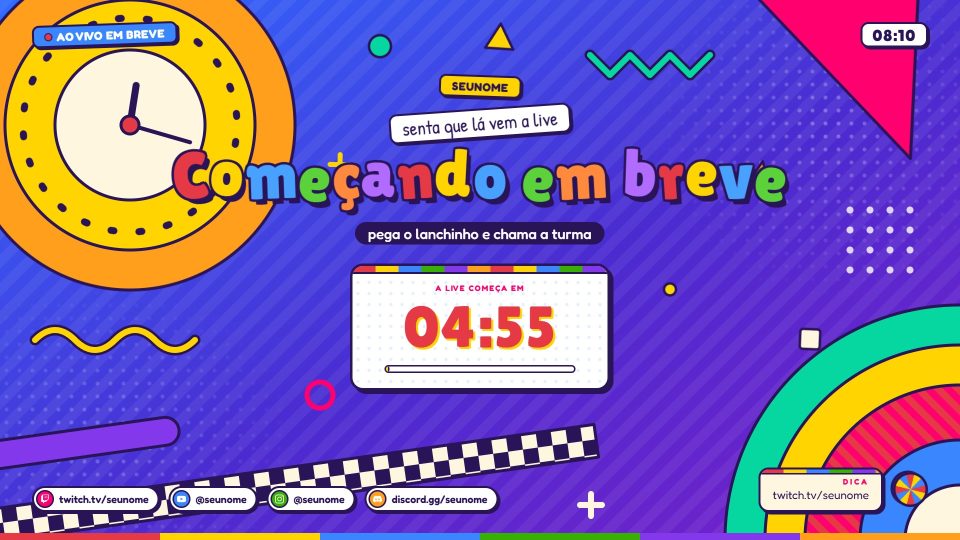
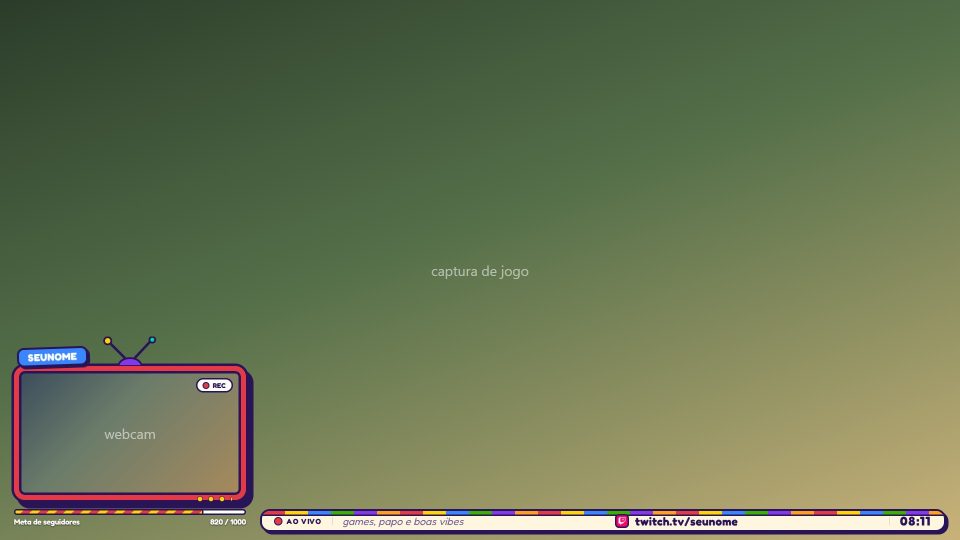
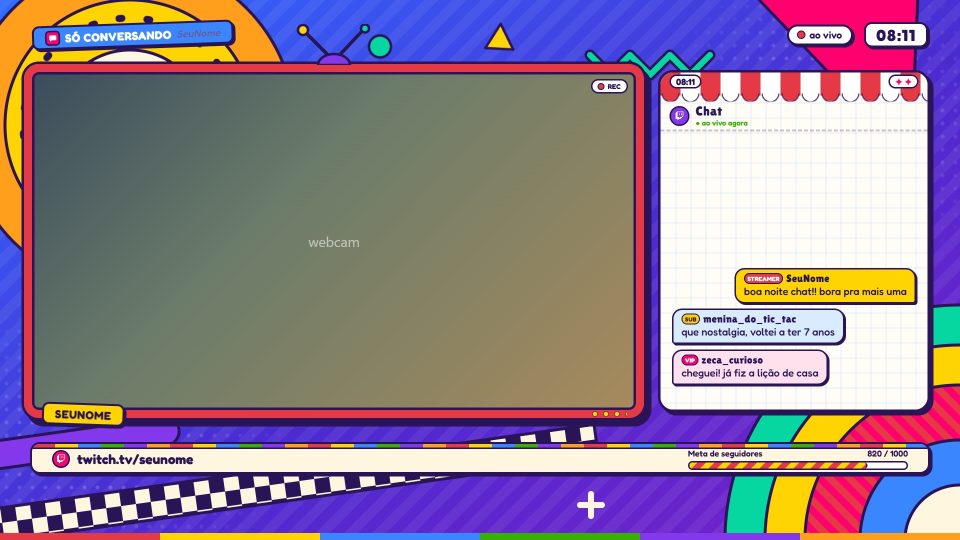
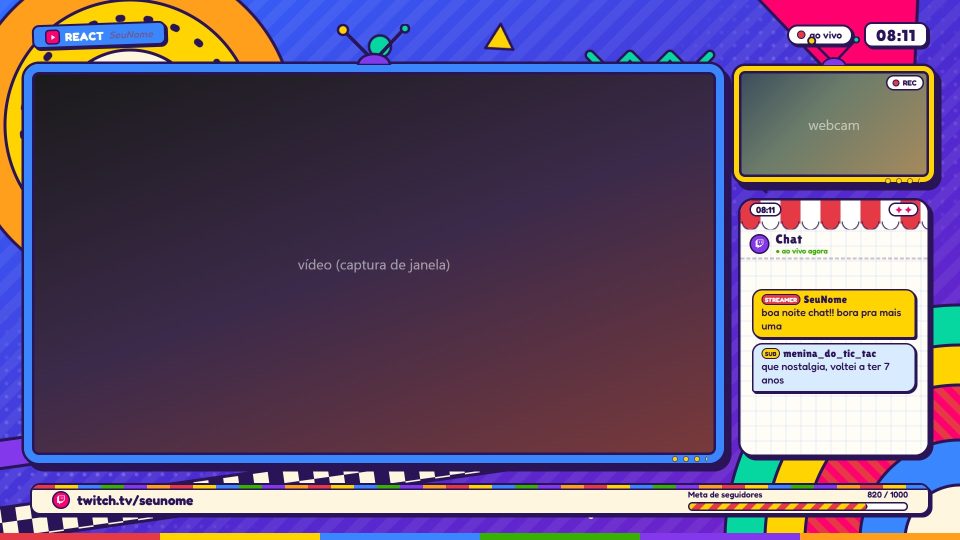
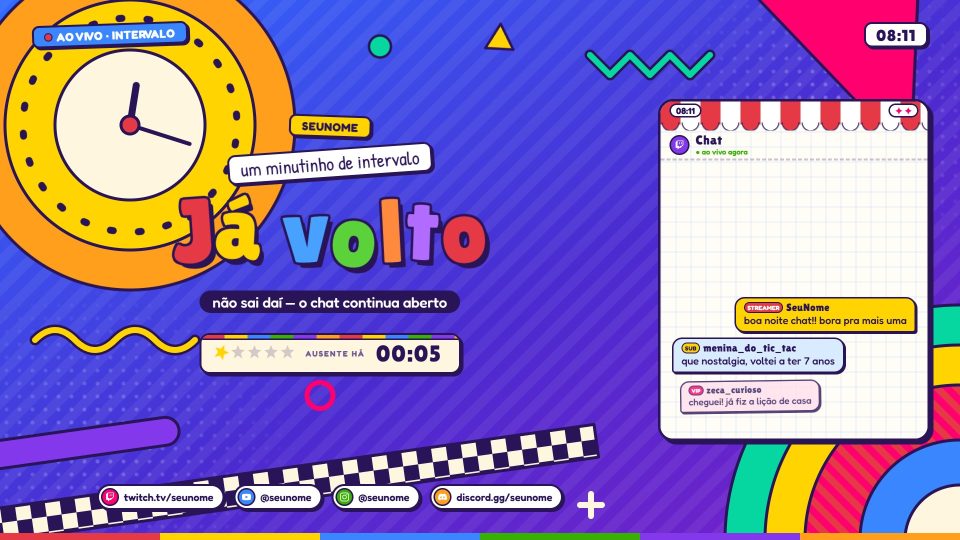
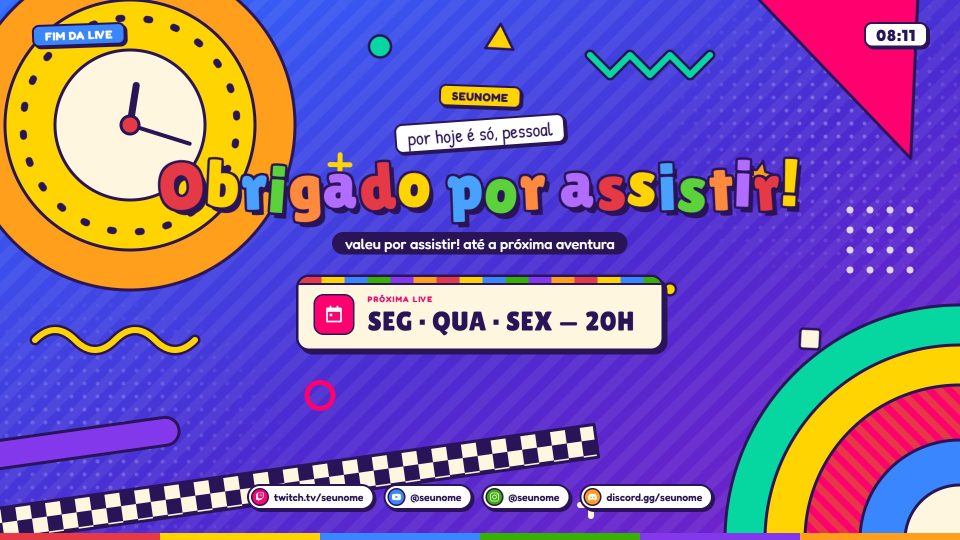
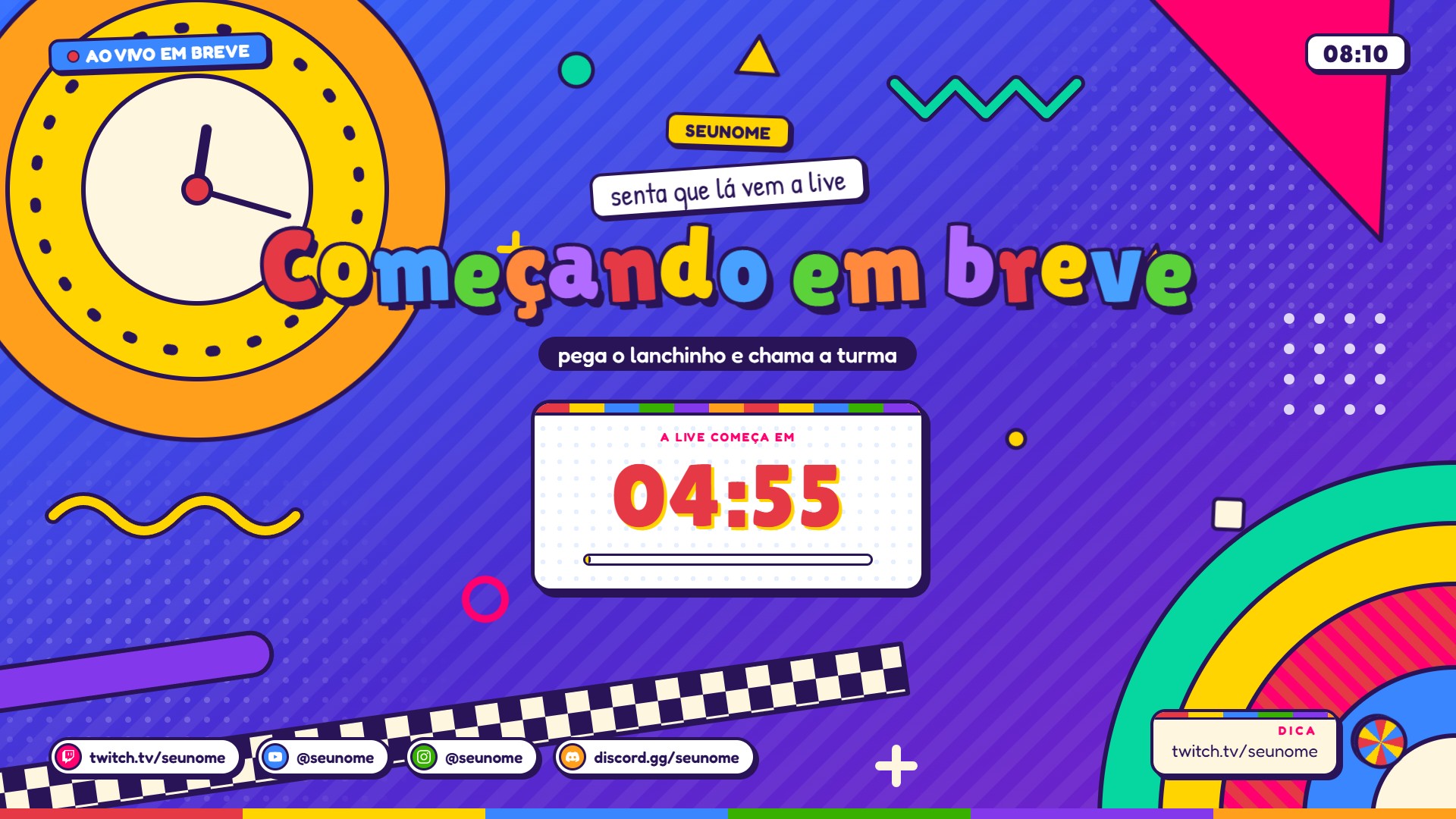
90s educational TV: cut-out paper, colorful letters, a geometric bumper and your webcam inside a CRT TV.
6 scenes
Brazil
Colorful
Retro
Templates para OBS Studio
Cenas completas e animadas prontas para serem importadas no OBS em um clique.
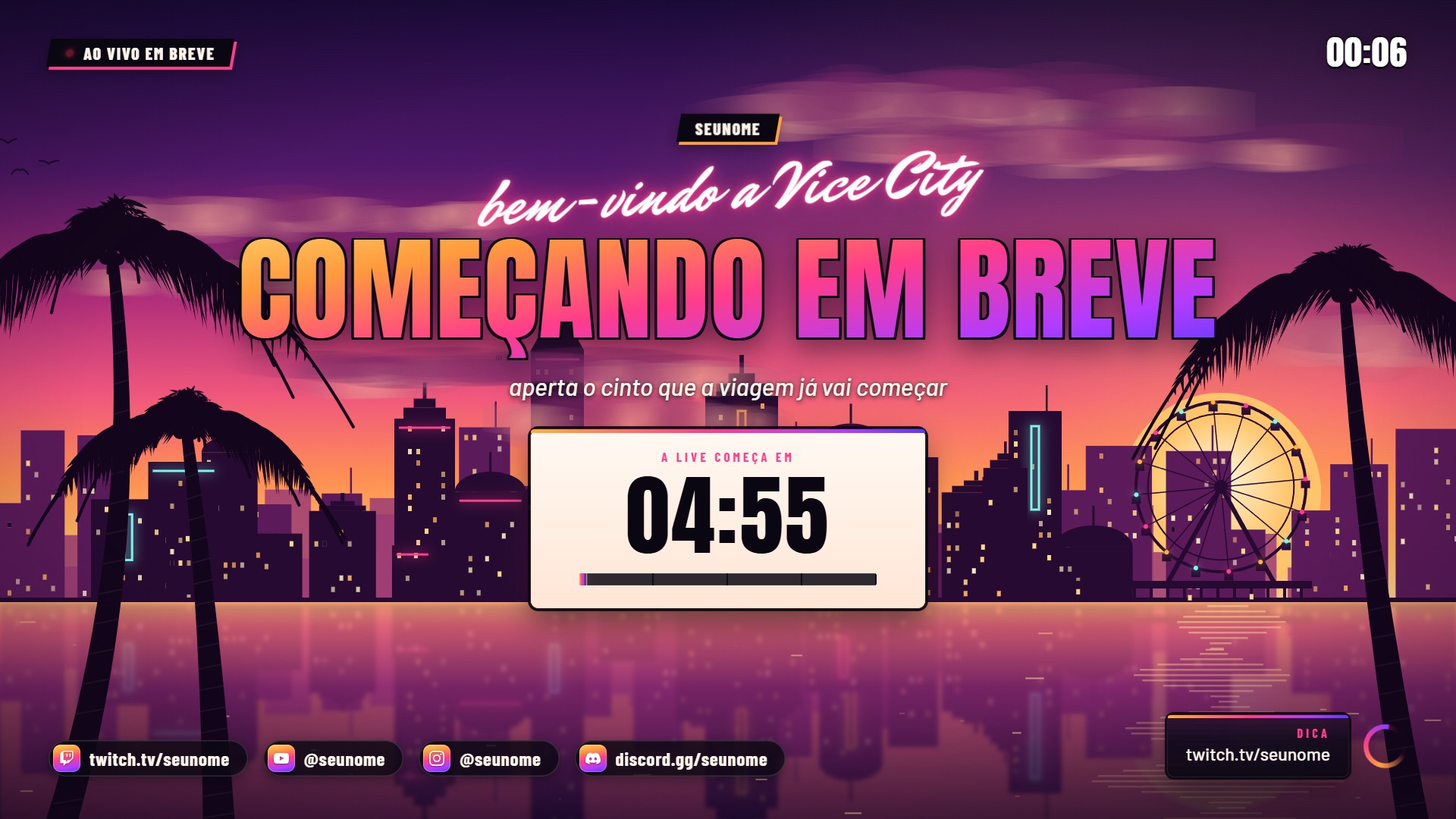
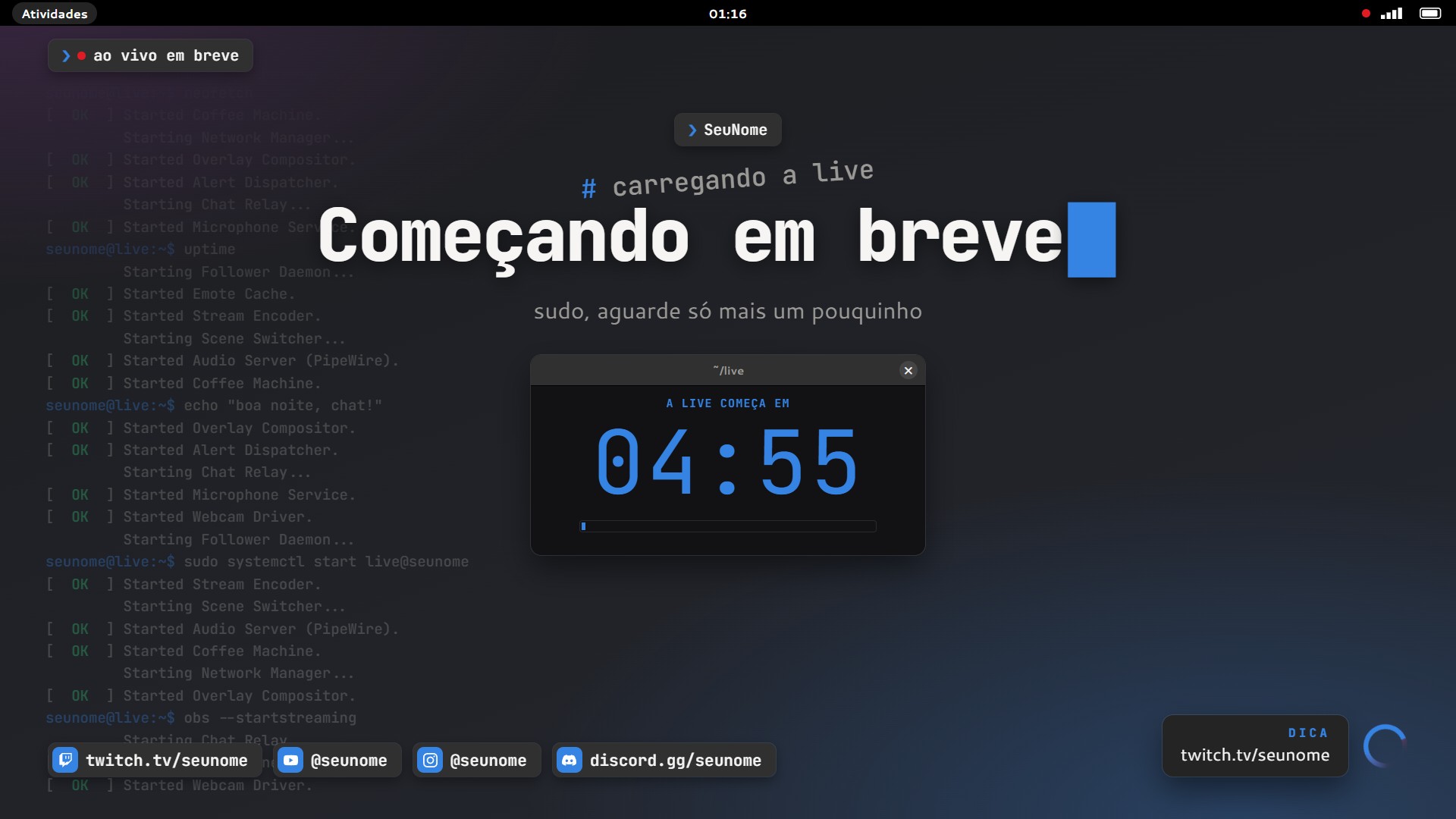
[01] Catalog
90s educational TV: cut-out paper, colorful letters, a geometric bumper and your webcam inside a CRT TV.
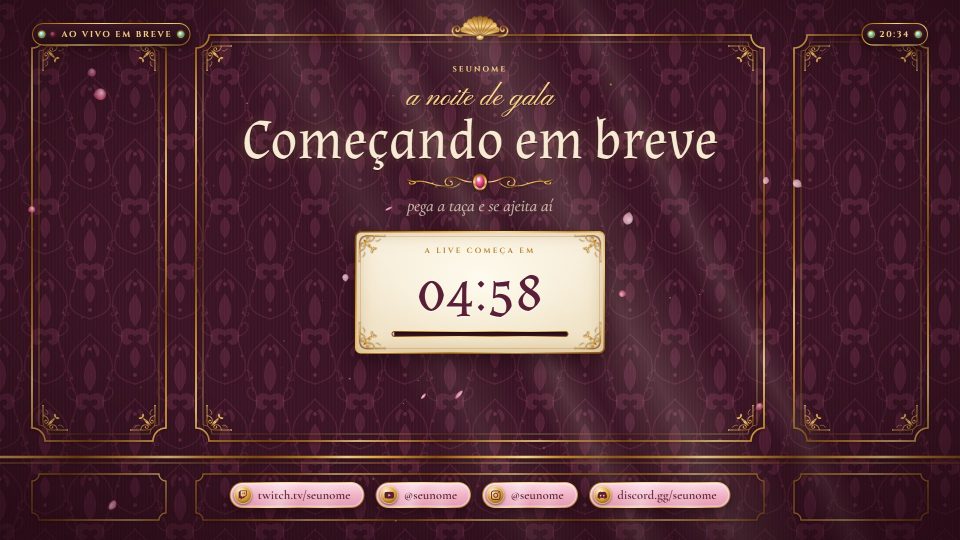
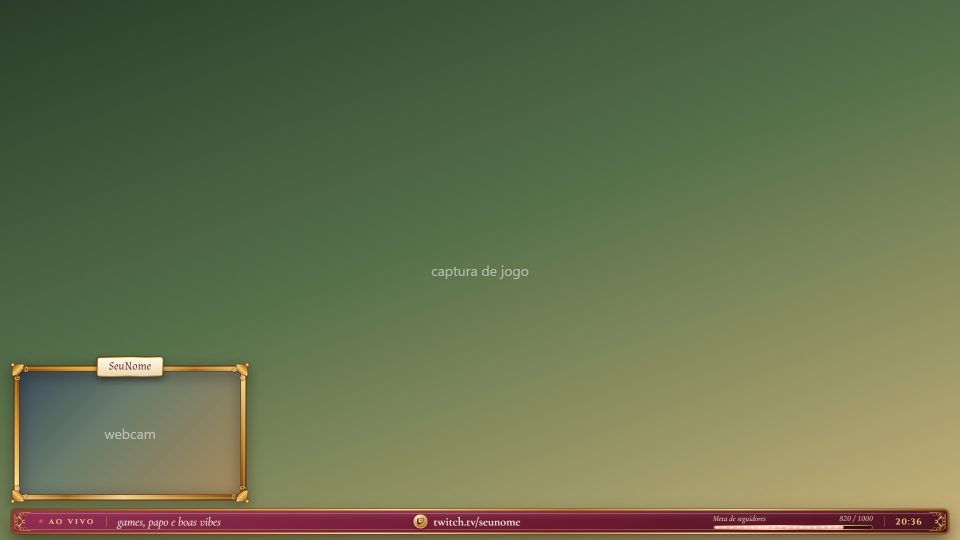
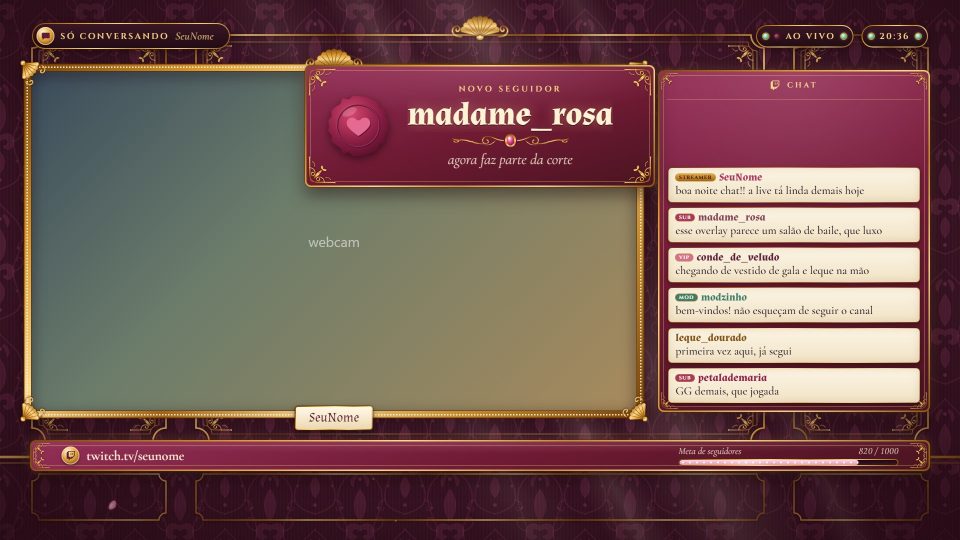
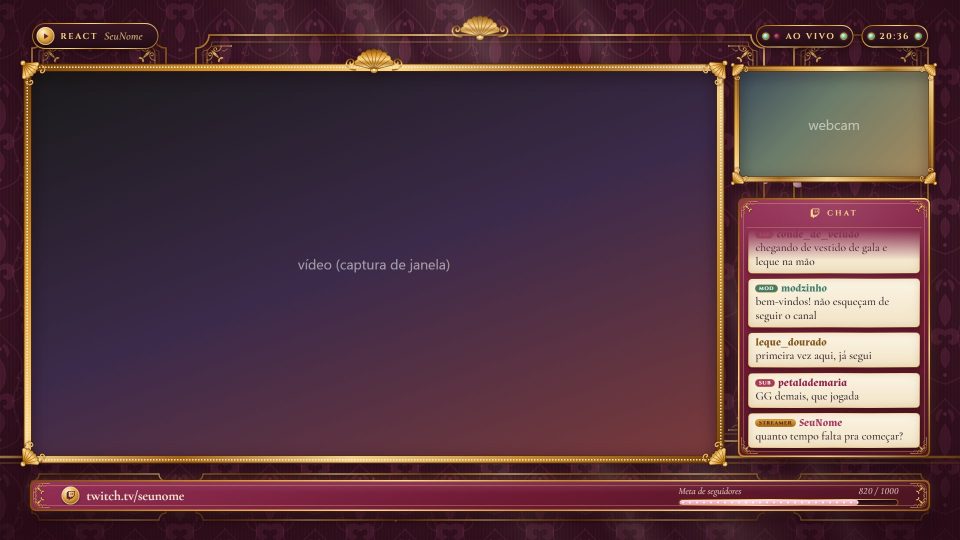
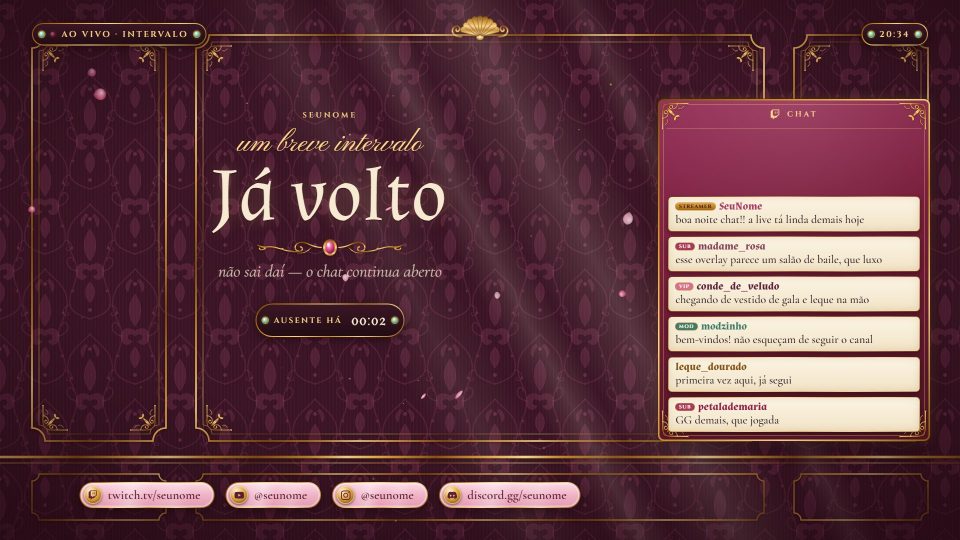
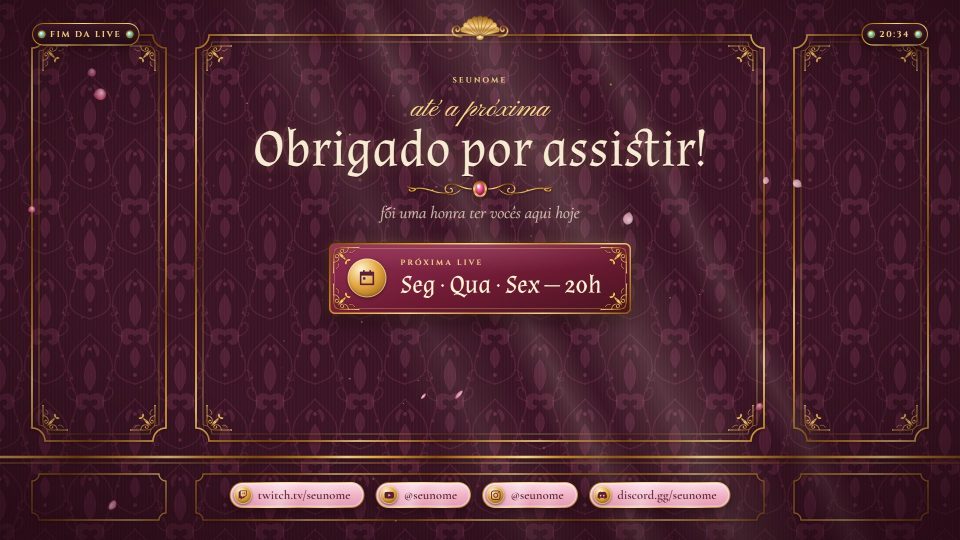
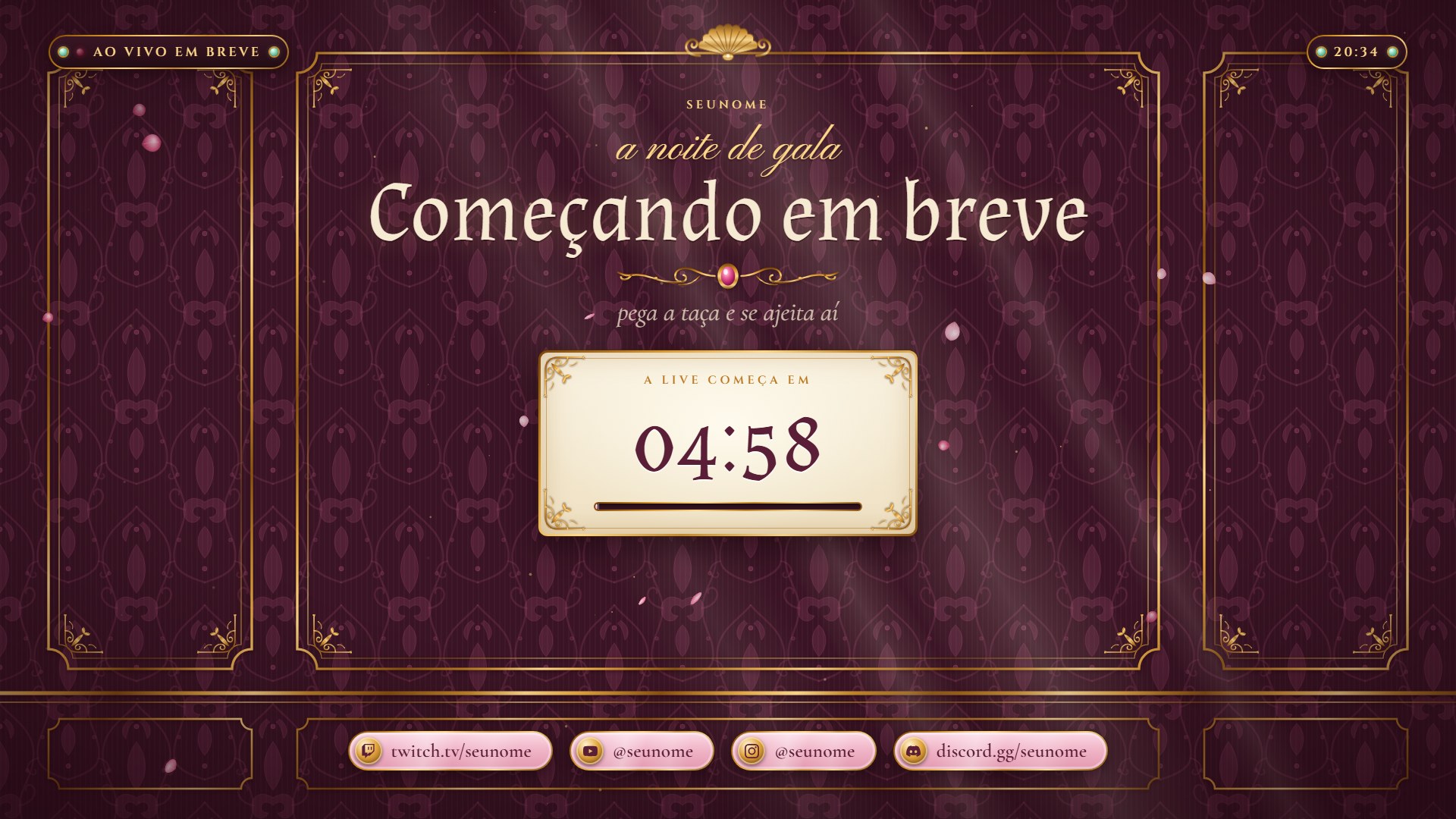
Rococo ballroom: damask walls, carved gold frames and rose petals slowly falling.
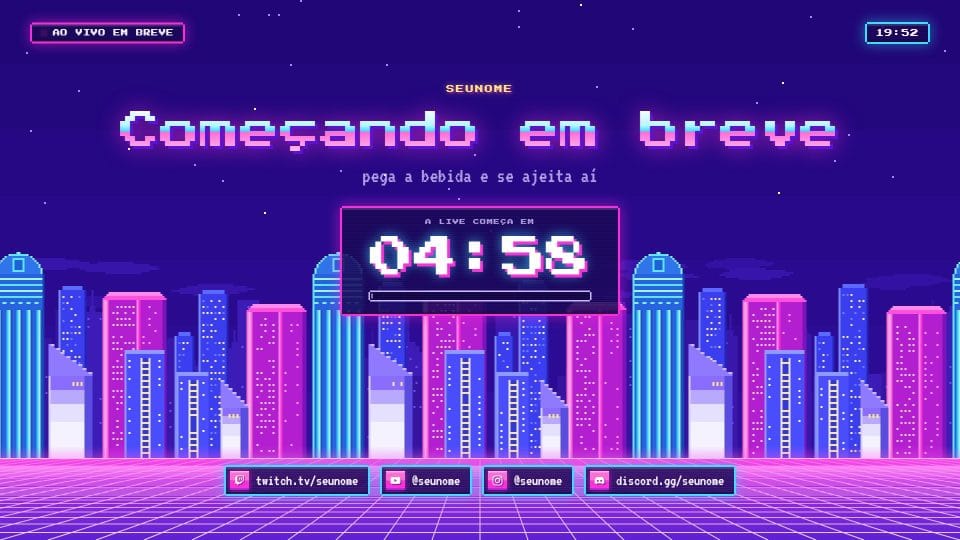
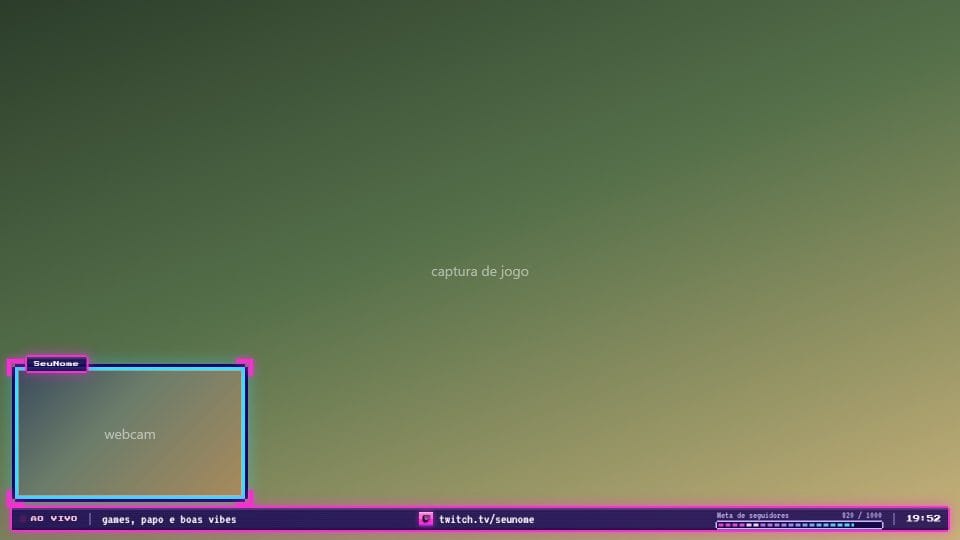
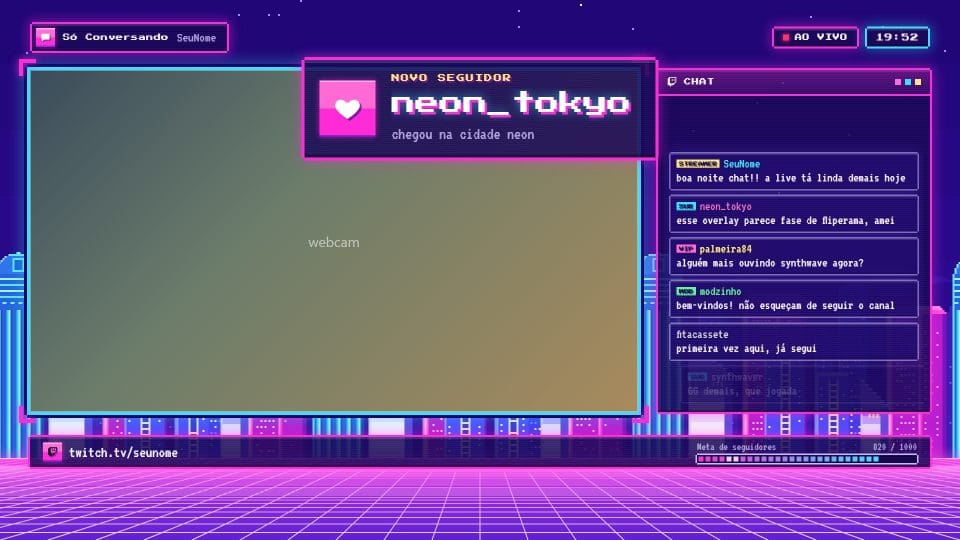
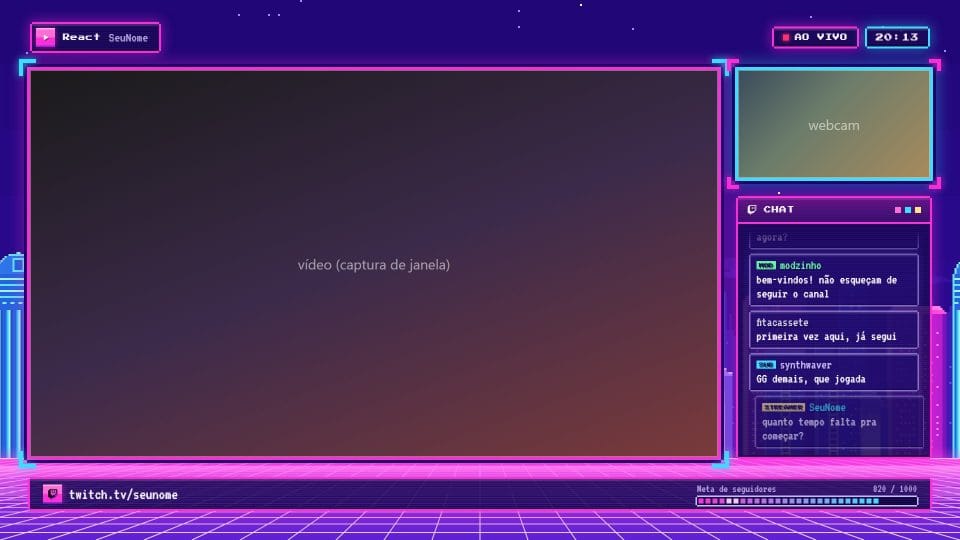
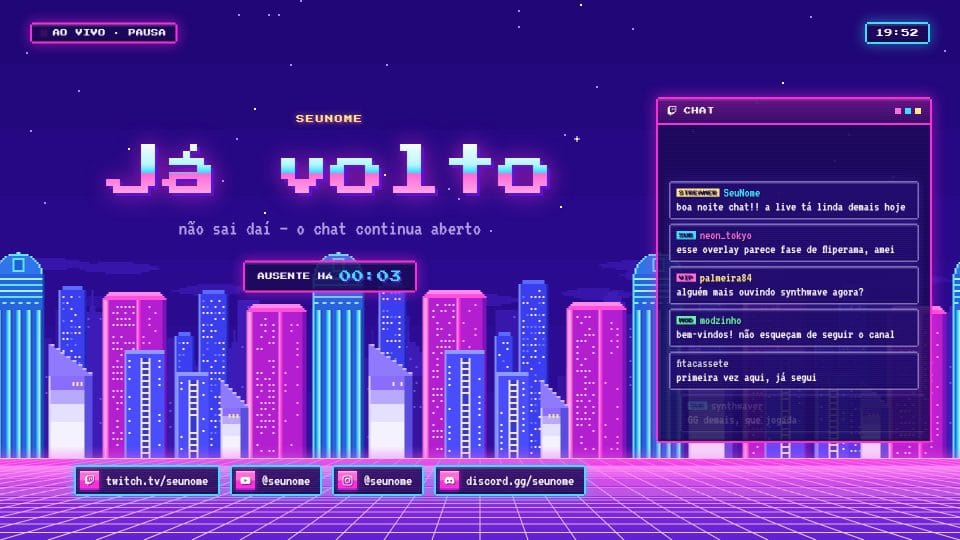
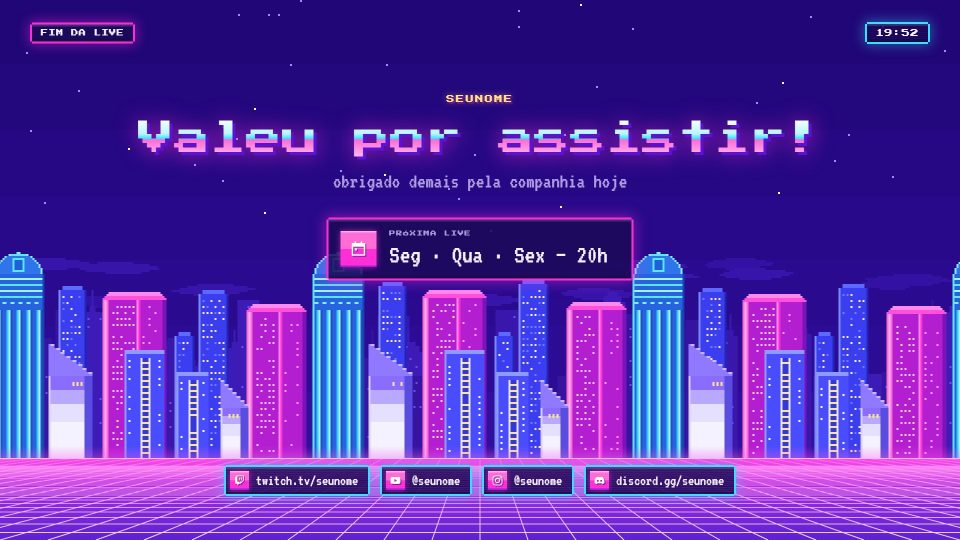
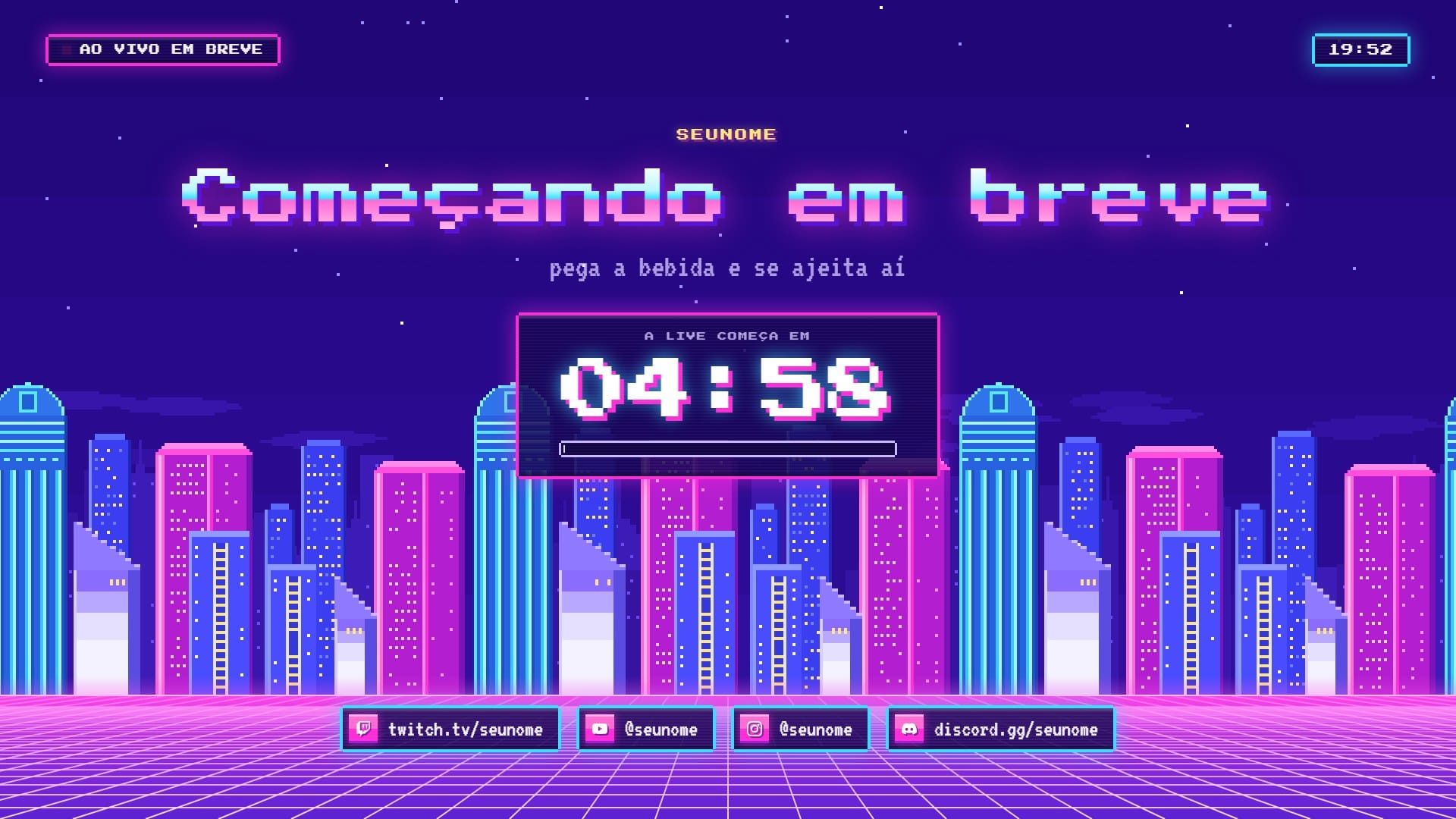
Pixel art synthwave: a neon city gliding in layers and a grid floor rushing toward you.
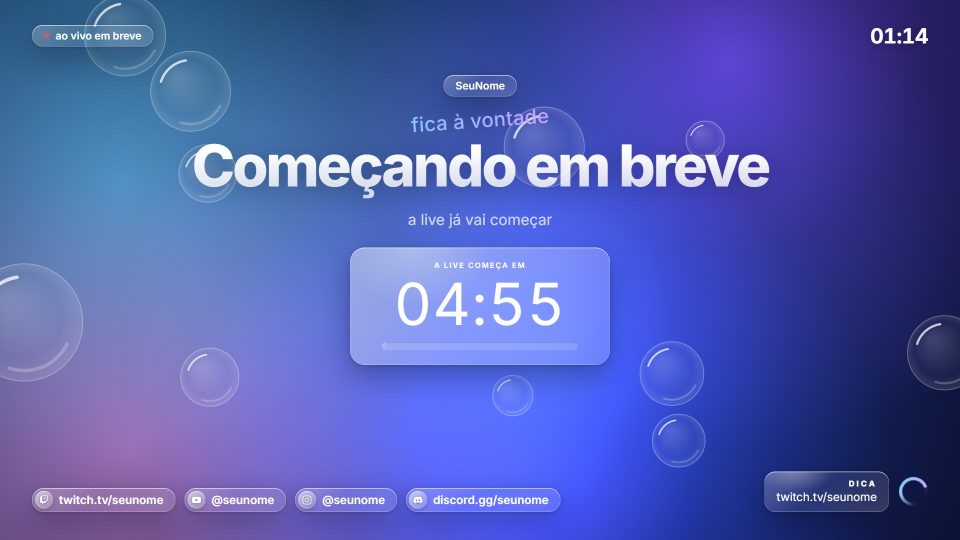
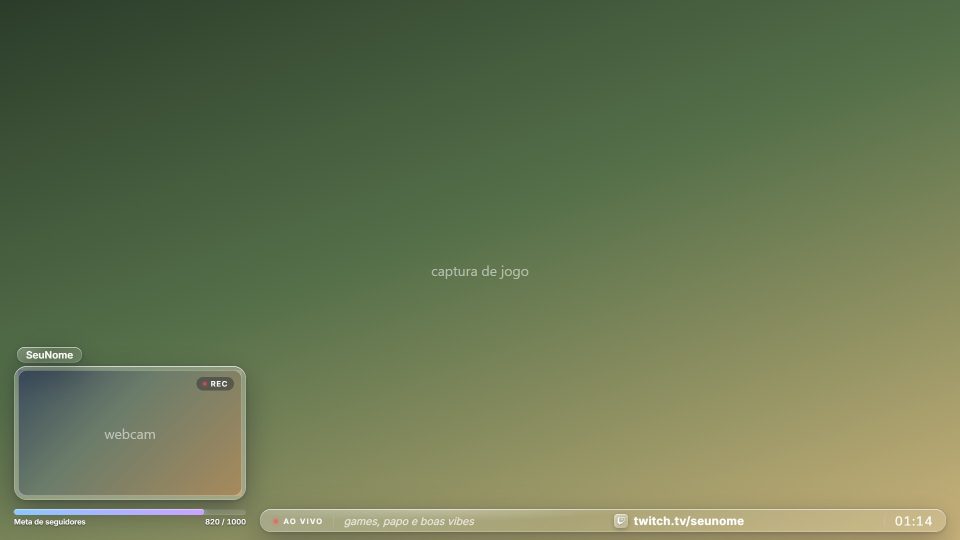
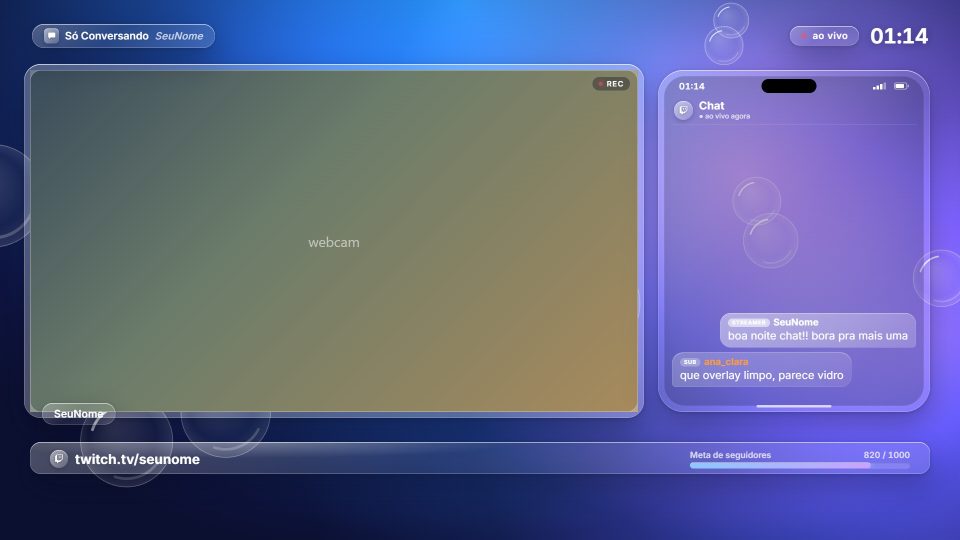
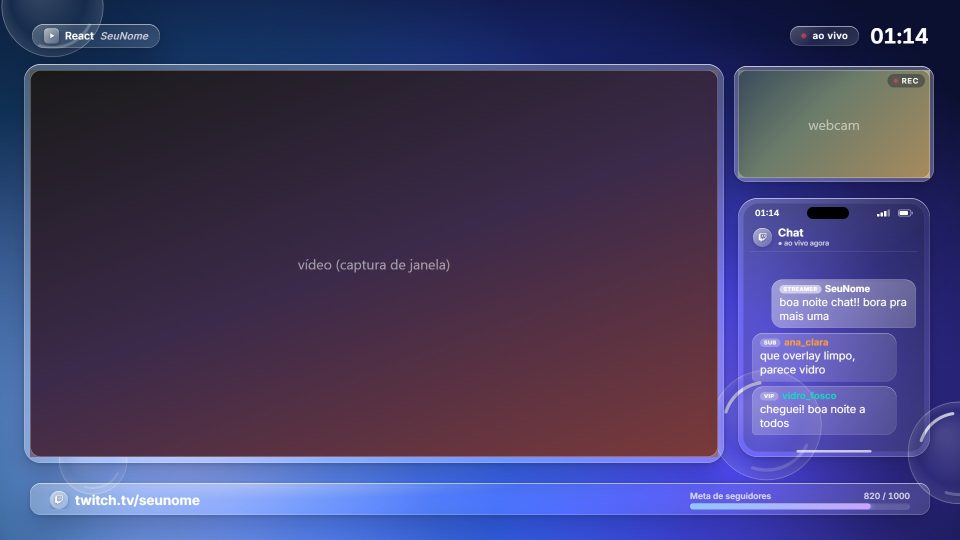
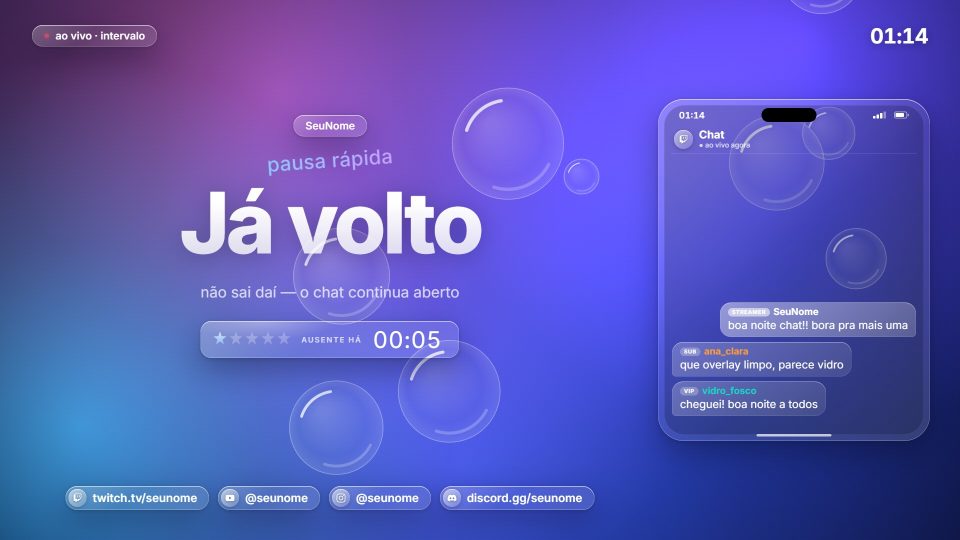
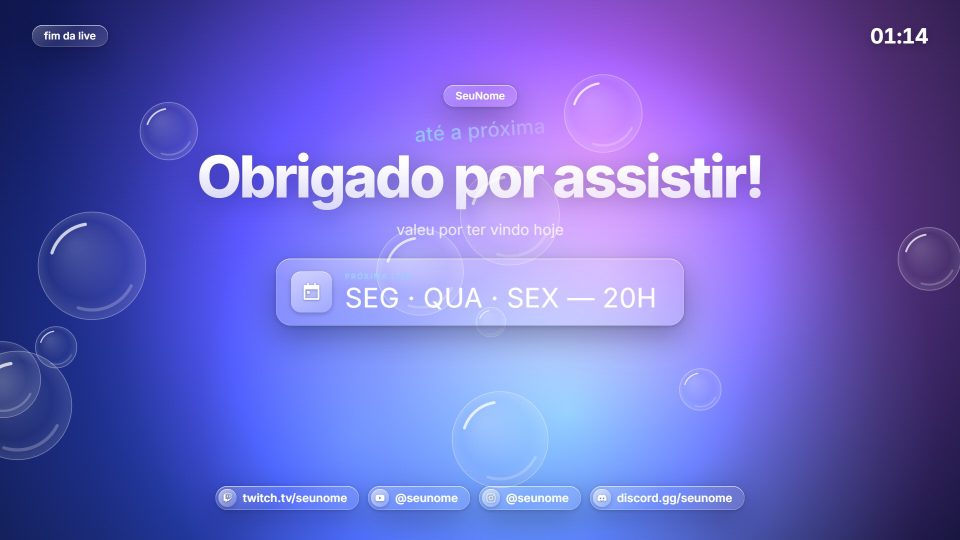
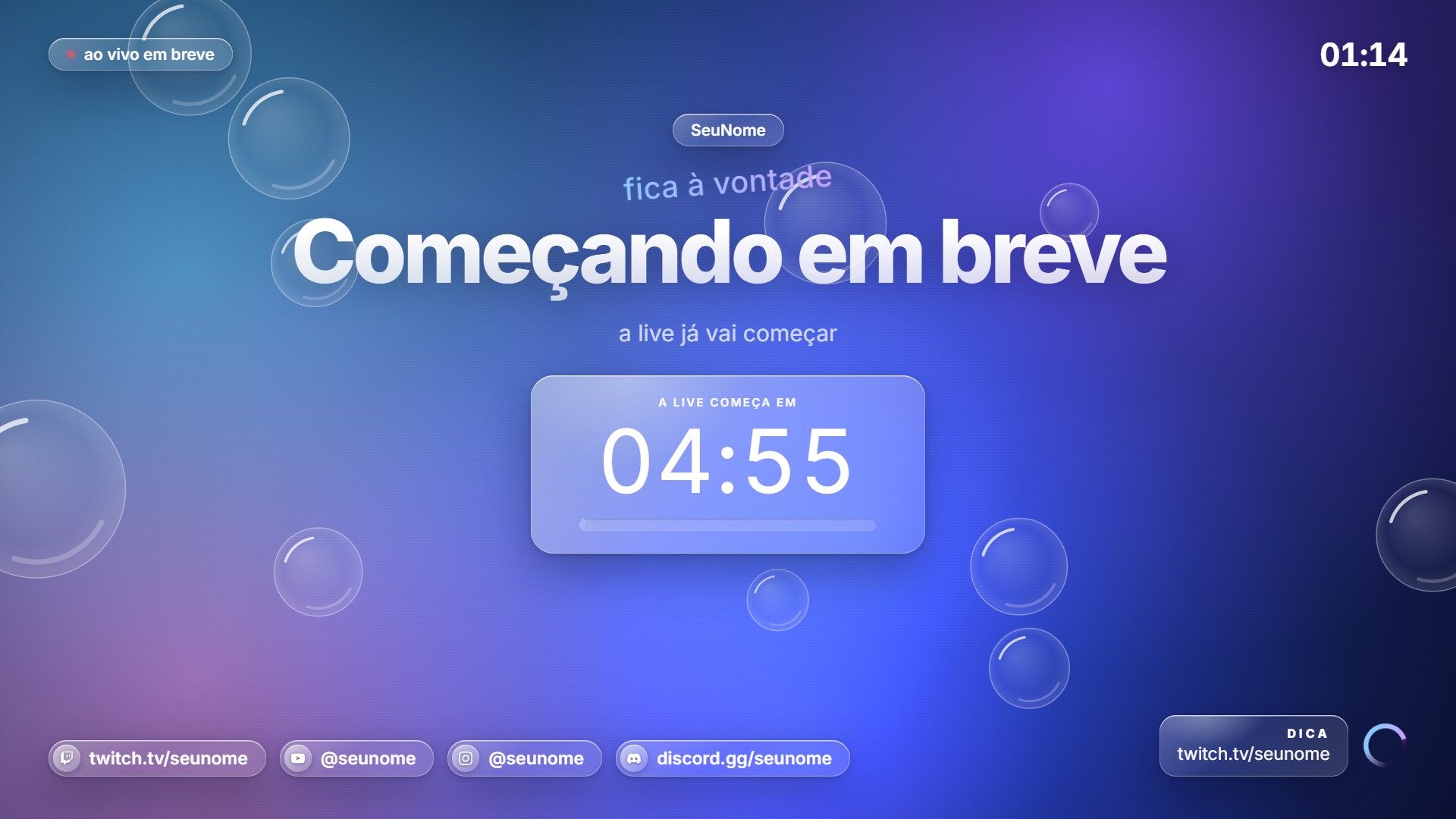
Liquid glass: translucent capsules with glowing edges and slow-moving color blobs, with bubbles rising.
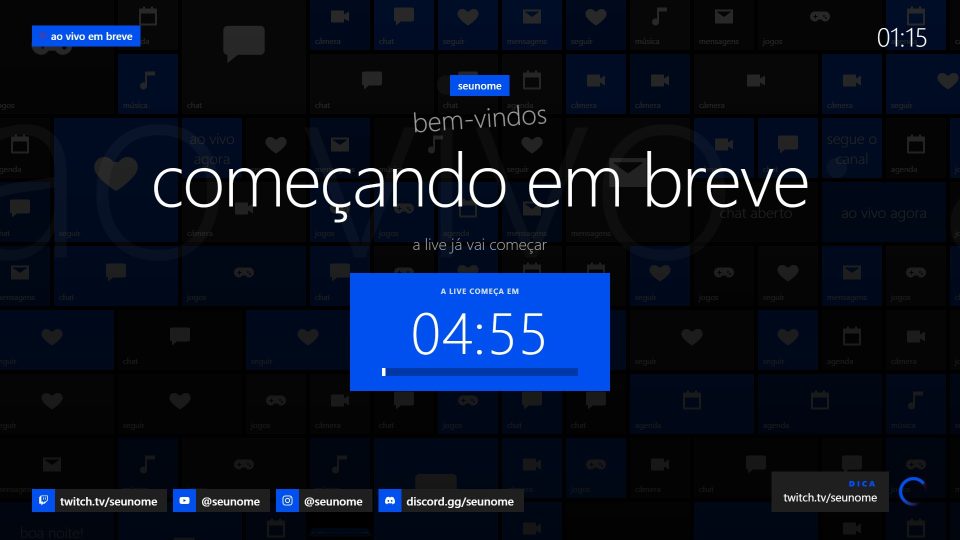
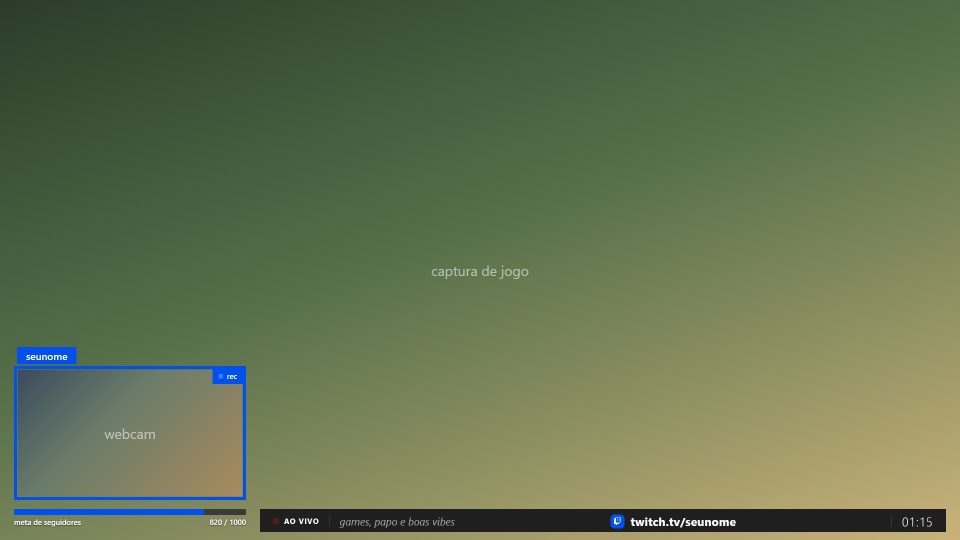
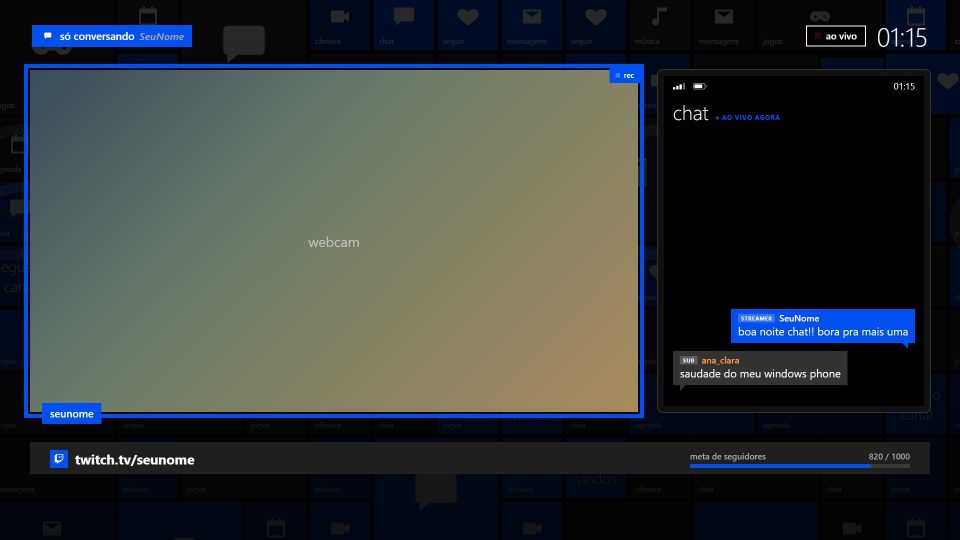
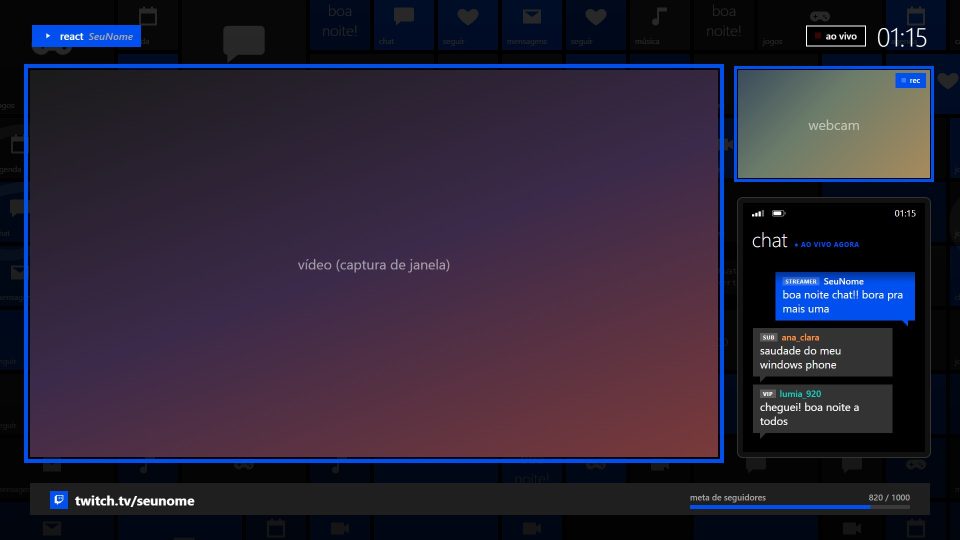
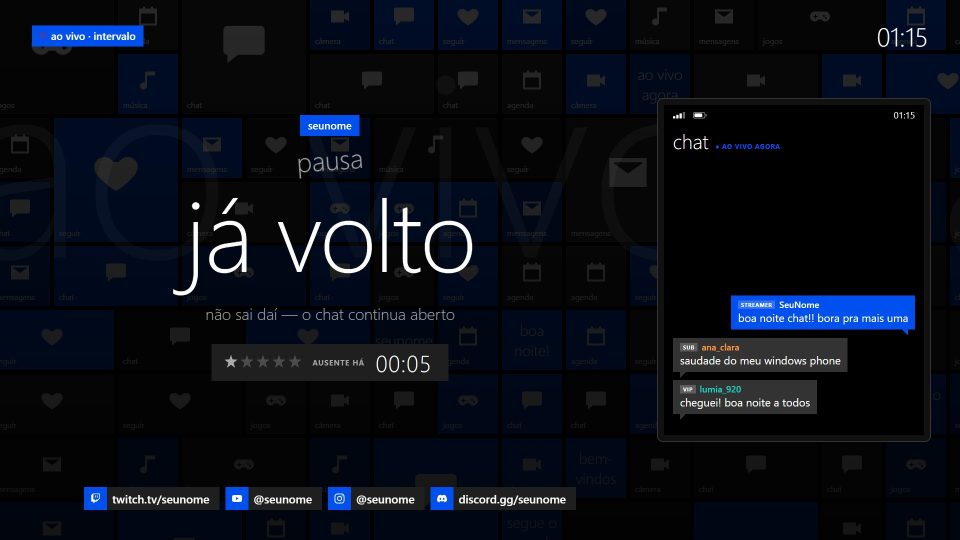
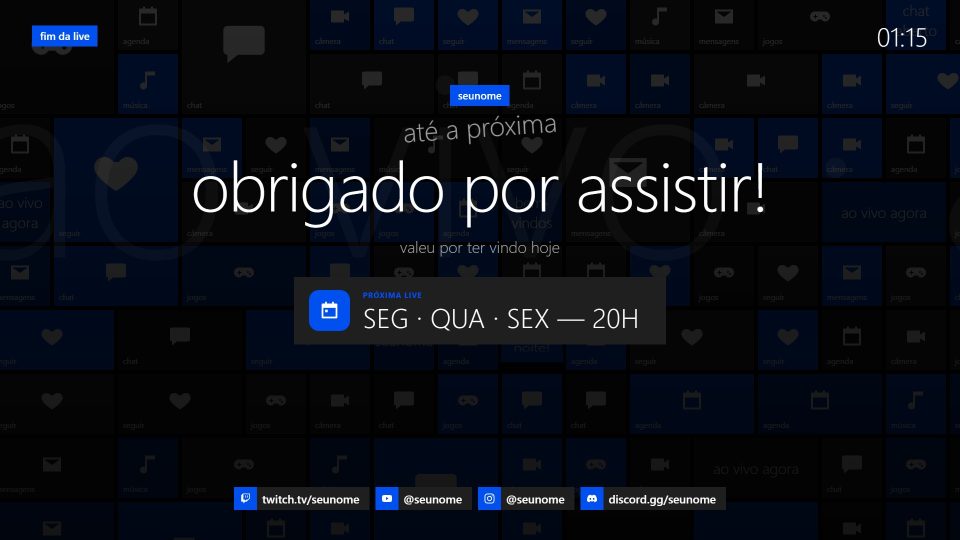
Windows Phone flat design: black background, one accent color and a wall of live tiles that flip on their own.
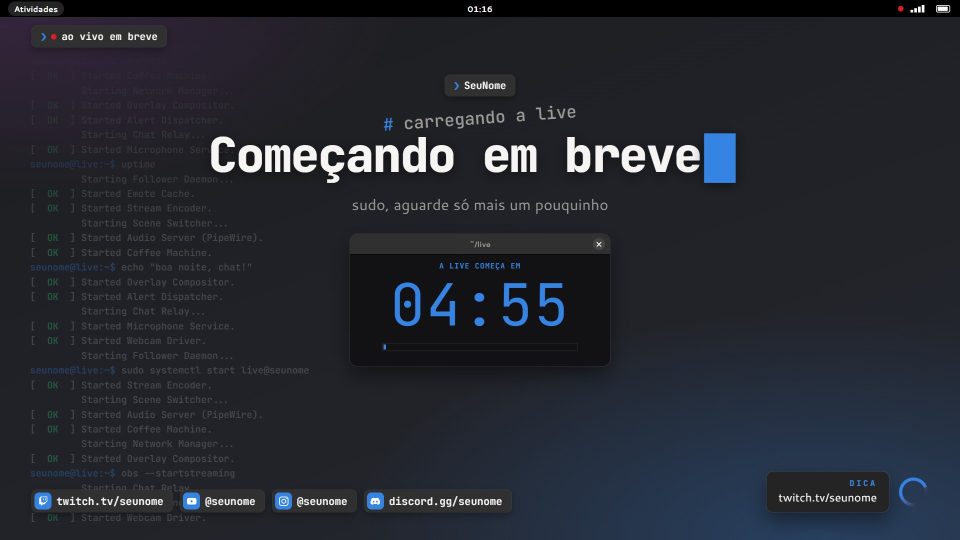
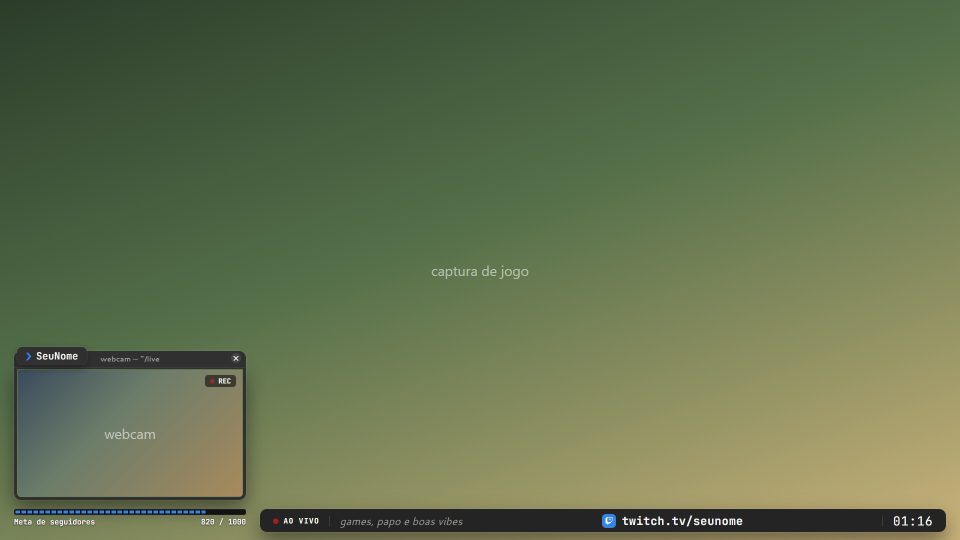
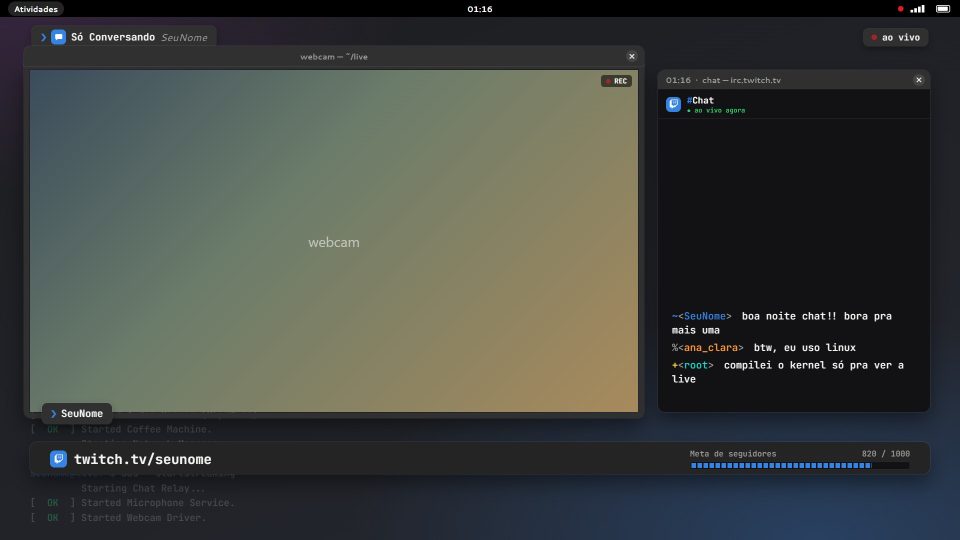
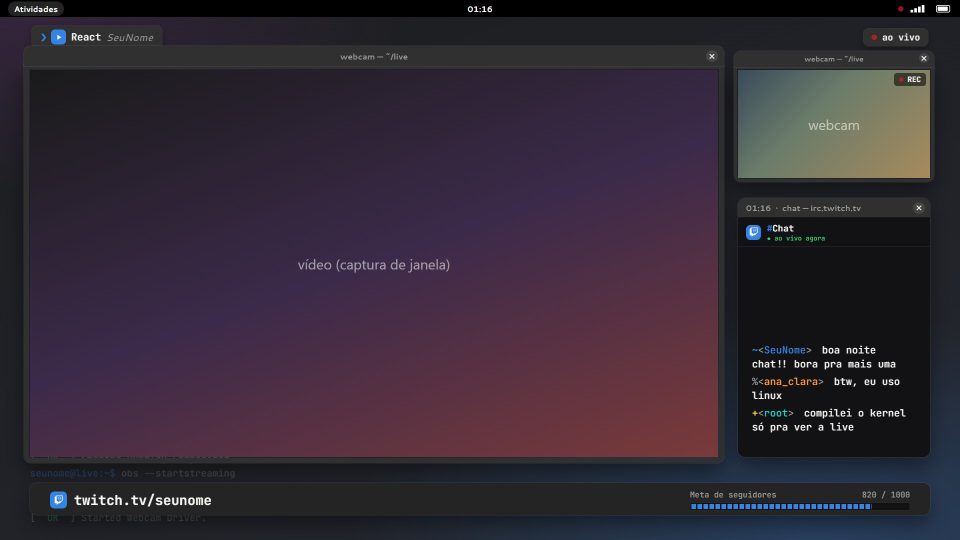
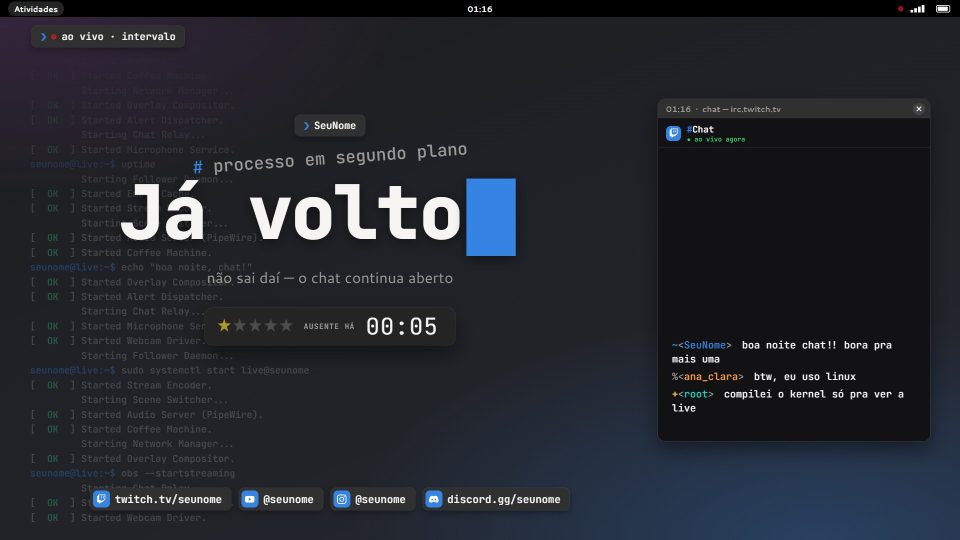
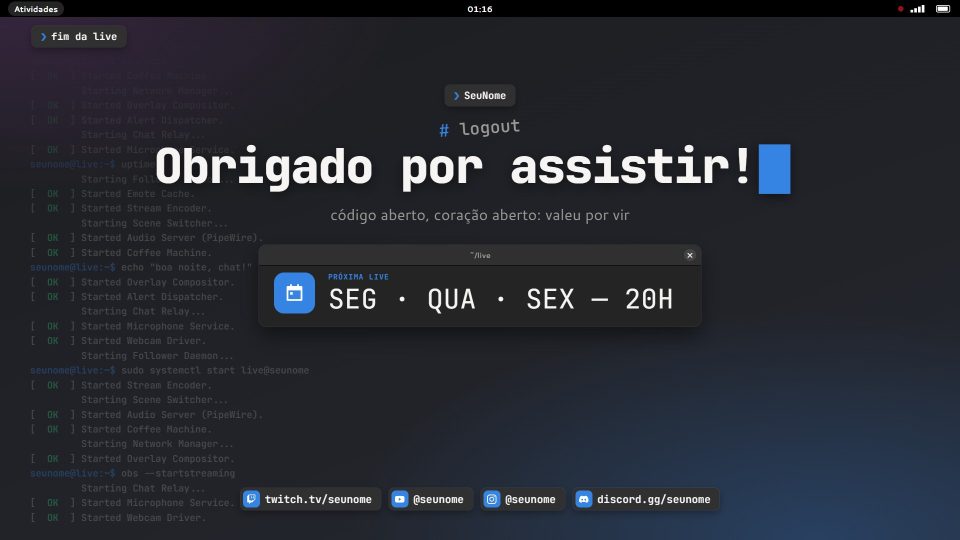
Open Linux design: GNOME-style windows, chat in a terminal and the boot log scrolling in the background.
[02] How it works
No dragging PNGs, no building scene by scene. Every template is a complete stream overlay package, with the OBS scene collection already set up.
How to add the overlay in OBSPick yours, log in and download the ZIP. Extract it to a permanent folder, like Documents\OBS Themes.
With OBS closed, open INSTALAR.bat. It creates the scene collection with every path set.
Edit config.js in Notepad with your name, socials and schedule. Open OBS and choose the collection.
[03] In the pack
Connects straight to your Twitch channel. Hides bots and commands.
About me, schedule, rules, Discord and a matching offline banner.
[04] Requests open
Tell us the vibe, the scenes you use and send references. The most requested ideas become the next templates.
[05] FAQ
Yes. Just create an account (name and email, or with Google) to download the overlays. Your account also keeps your favorites and downloads.
Download the template, extract the ZIP to a permanent folder and, with OBS closed, double-click INSTALAR.bat. It creates the scene collection with the overlay, chat and alerts; then just pick it under Scene Collection. The step-by-step guide with screenshots is on the How to install page.
Templates are made for OBS Studio 30 or newer on Windows 10 and 11. Each template page lists its specific requirements.
No. Your name, socials, text and schedule live in a single file (config.js) that you edit in Notepad. Each template's README has the step by step.
The scenes work on any platform. The on-screen chat connects to Twitch; alerts work with StreamElements and with the alerts URL from other services.
The overlays are lightweight pages running inside OBS itself. If needed, you can lower the frame rate or use a still background in config.js.
You can and you should! Use the requests page. You can track your request's status in My account.