Vaporwave
Pixel art synthwave: a neon city gliding in layers and a grid floor rushing toward you.
- 6 scenes
- 1920×1080
- OBS 30+
- Twitch
- YouTube
- Kick
- v1.0
About the template
What'sinside.
A pixel art neon city that never sleeps: three layers of buildings gliding at different speeds, flickering windows, flying cars and a pink grid floor rushing toward you.
Vaporwave is a complete scene collection for OBS Studio. Every screen shares the same animated background, so switching between Starting, Game, Just Chatting, React, Be Right Back and Ending happens without a single cut in the scenery.
Alerts show up on a pixel card with an explosion of little squares and play an 8-bit jingle generated on the fly. The Twitch chat goes straight on screen, no login needed, hiding bots and commands. And the pack also includes eight Twitch panels and a matching offline banner.
Everything is customized in a single file, config.js: your name, your socials, the text on each screen, your schedule, the follower goal and the countdown minutes.
6 scenes
Starting
Before the stream: a countdown that restarts every time you switch to this scene.
Game
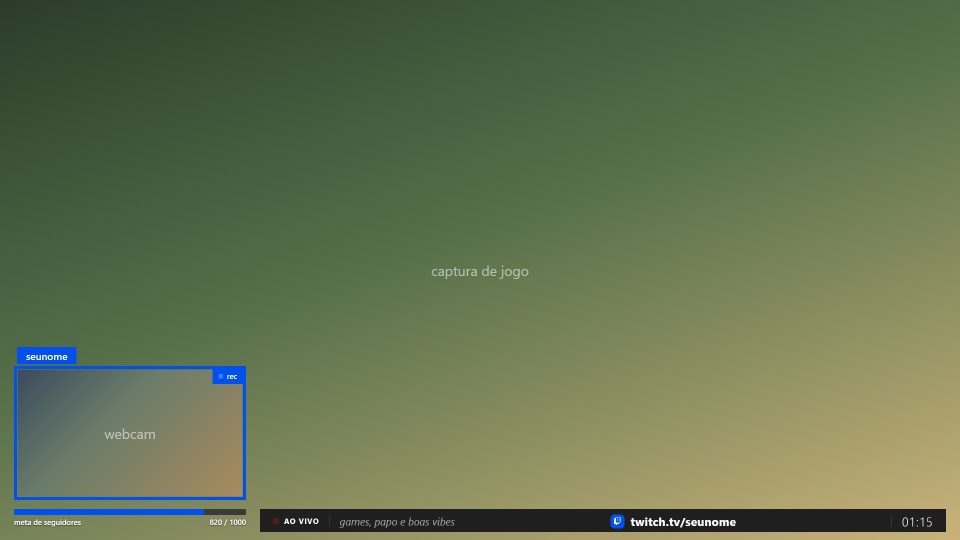
Full-screen game with the webcam in the corner and a bar with your socials and the goal.
Just Chatting
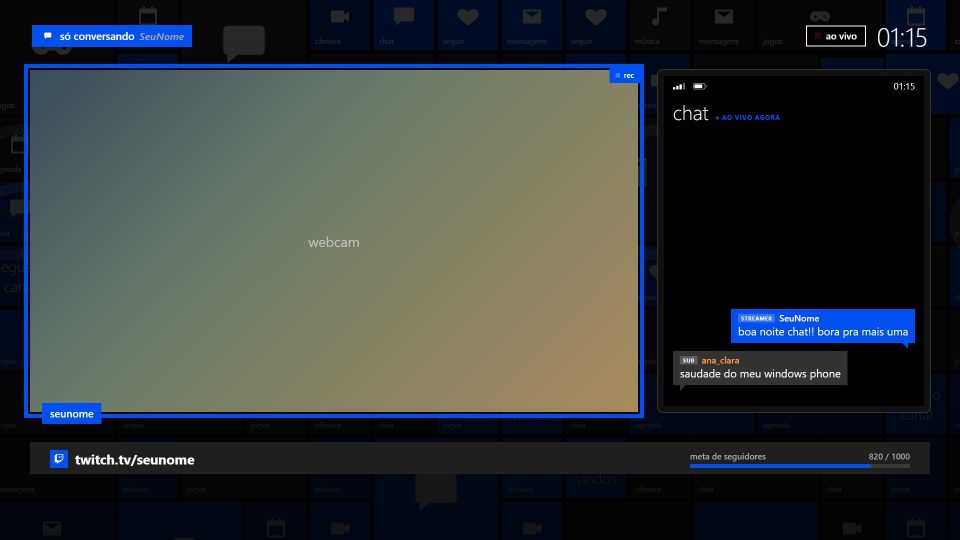
Chatting: a big webcam and the chat beside it.
React
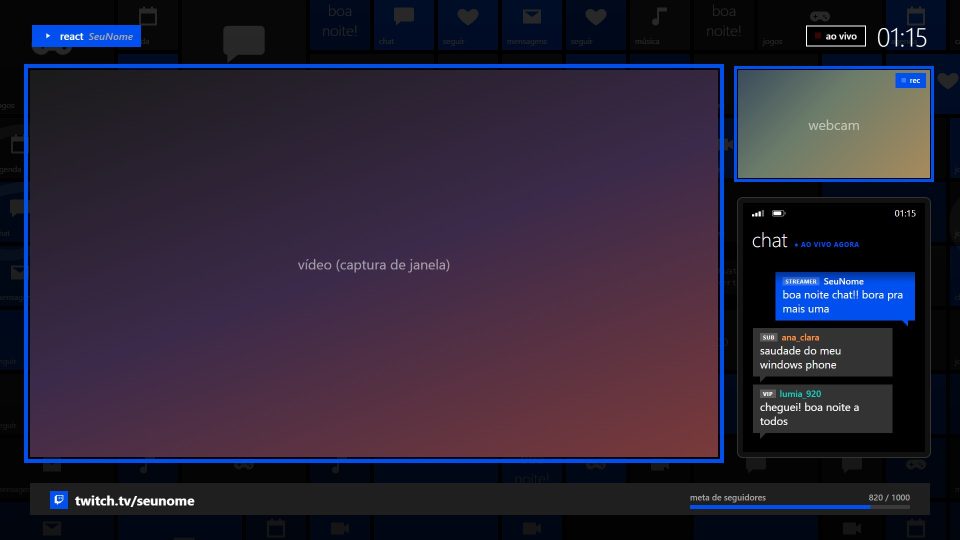
Big video, webcam and chat beside it, and the video title below.
Be Right Back
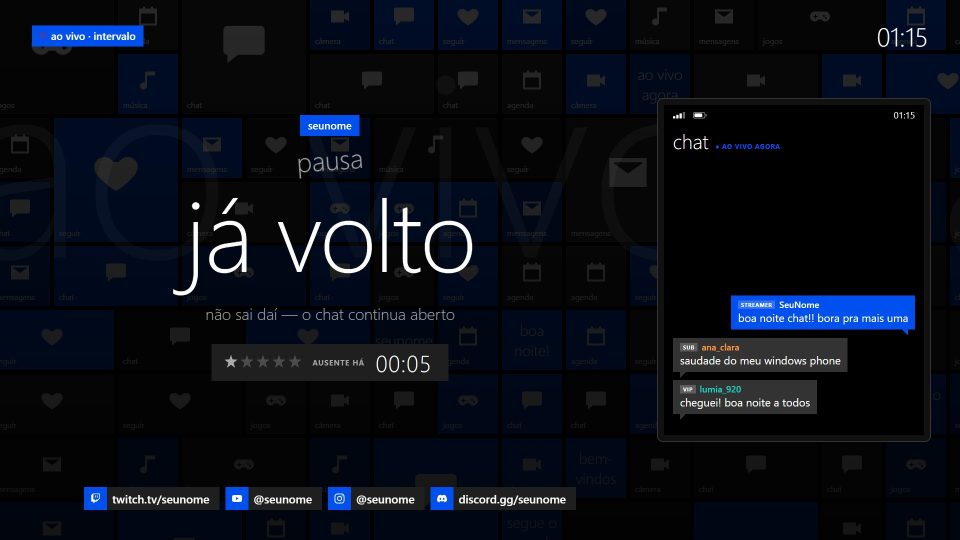
Breaks: an “away for” timer and the chat stays on screen.
Ending
End of stream: a thank-you and the schedule for the next one.
Features
- Pixel art city animated in three layers, rendered right inside OBS
- Countdown that restarts whenever the scene goes live
- “Away for” timer in the Be Right Back scene
- Twitch chat on screen (no login), filtering out bots and commands
- Follower, sub, donation and raid alerts with an 8-bit jingle
- Works with StreamElements or another service's alerts URL
- Follower goal bar and rotating phrases with your socials
- 8 Twitch panels: about me, schedule, rules, Discord and more
- Matching offline banner
- Low-power mode: lower FPS or a still background for simpler PCs
Requirements
- Windows 10 or 11
- OBS Studio 30 or newer
- Webcam (optional)
- Twitch account for live chat (optional)
-
Step 01
Extract the ZIP to a permanent folder, like Documents\OBS Themes\Vapo.
-
Step 02
Close OBS and double-click INSTALAR.bat.
-
Step 03
Open OBS and choose Scene Collection → Vapo.
-
Step 04
In the Jogo (Game) scene, pick your webcam in the Câmera source.
-
Step 05
Edit overlays\config.js with your name, socials and Twitch channel.
See also
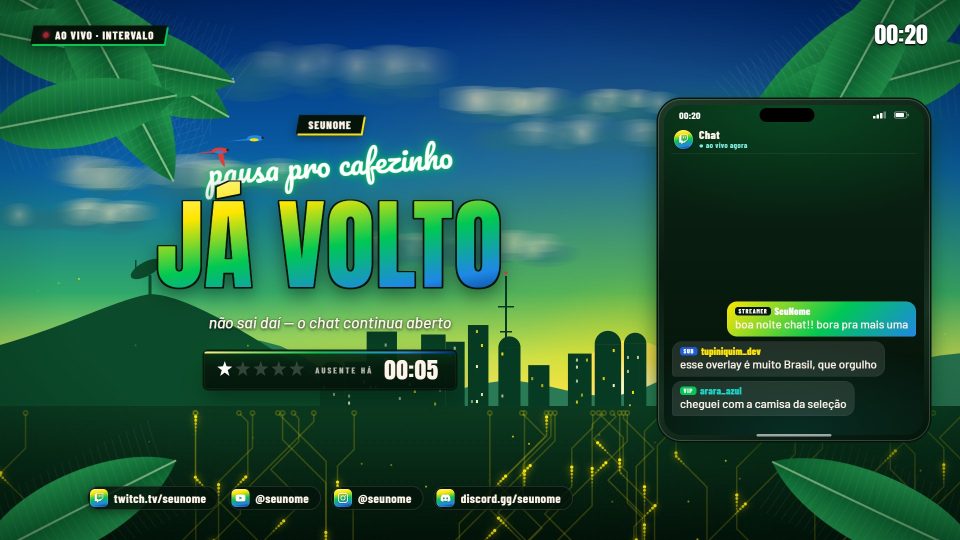

Banana
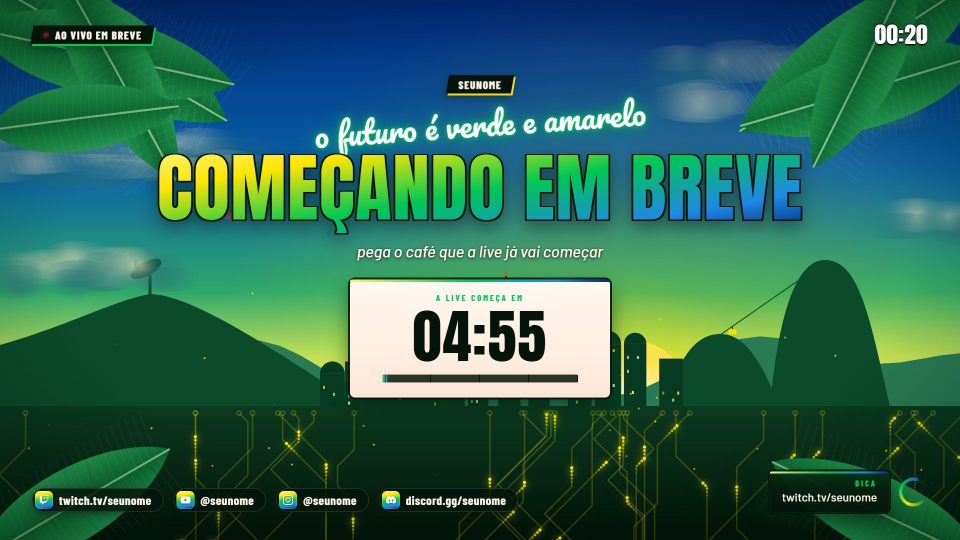
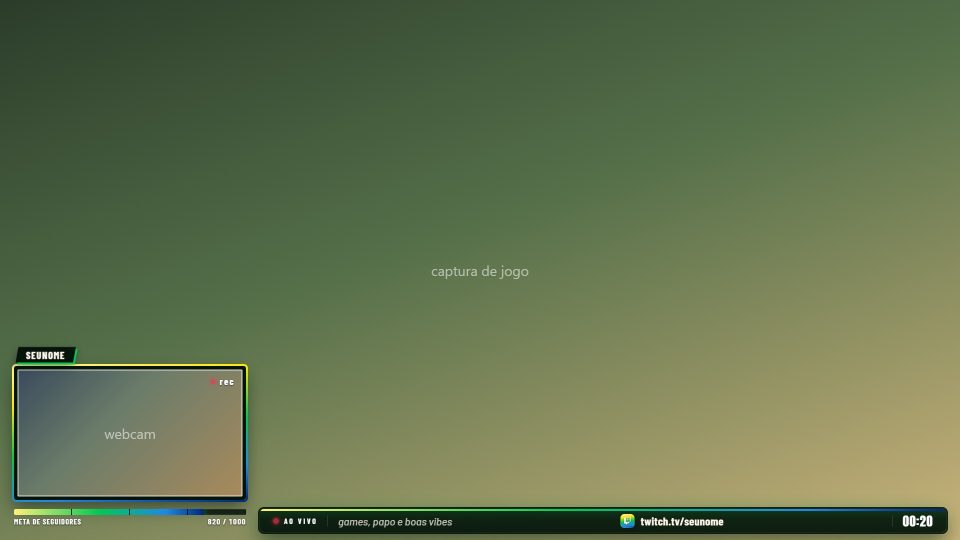
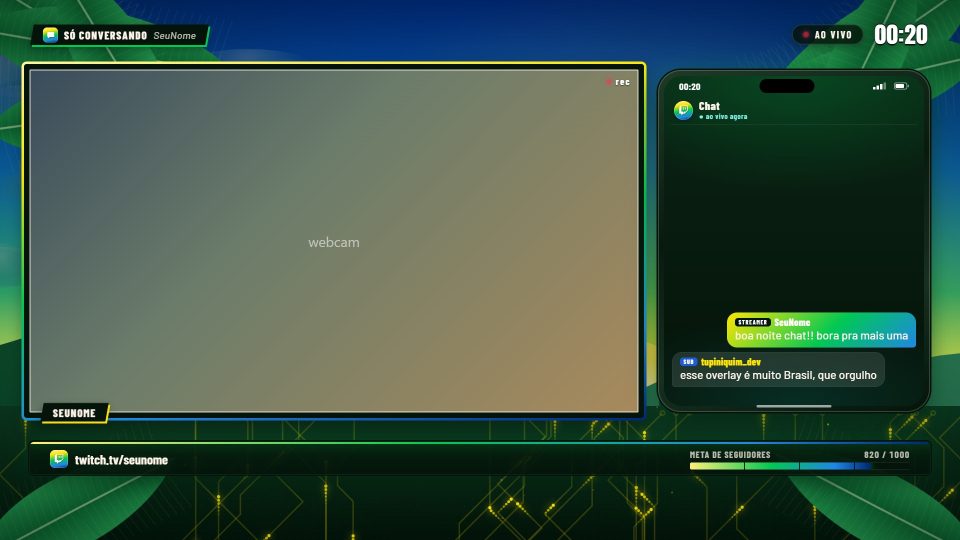
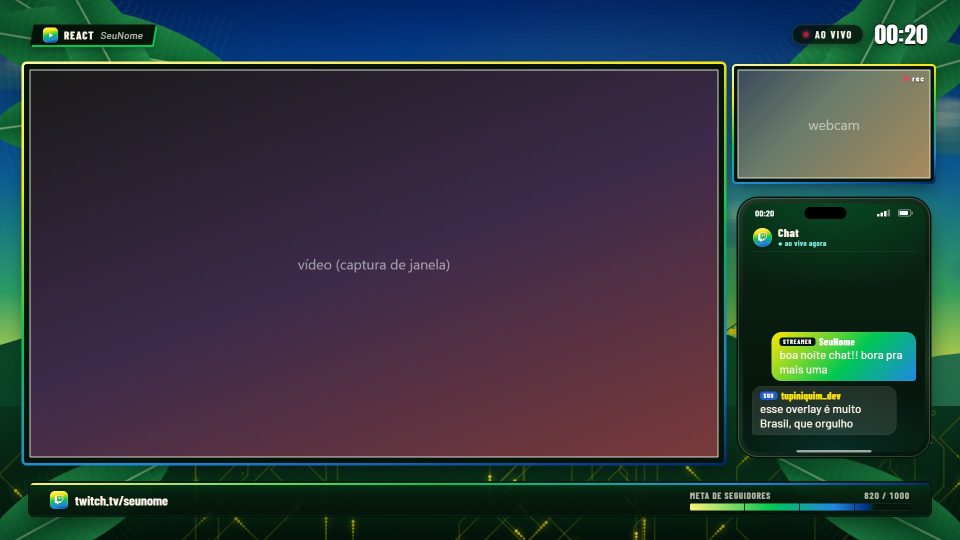
The future is green and yellow: Sugarloaf Mountain with its cable car, a connected city and banana leaves swaying.
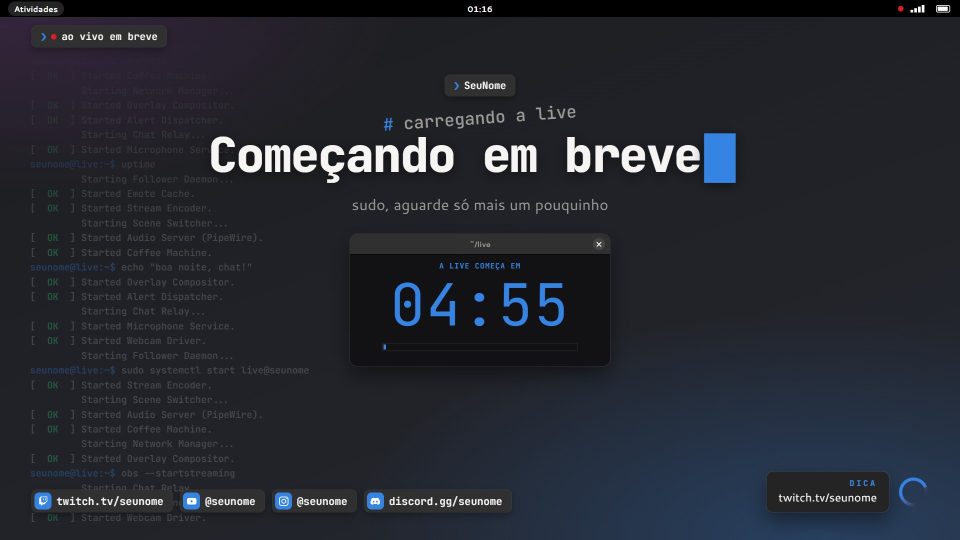
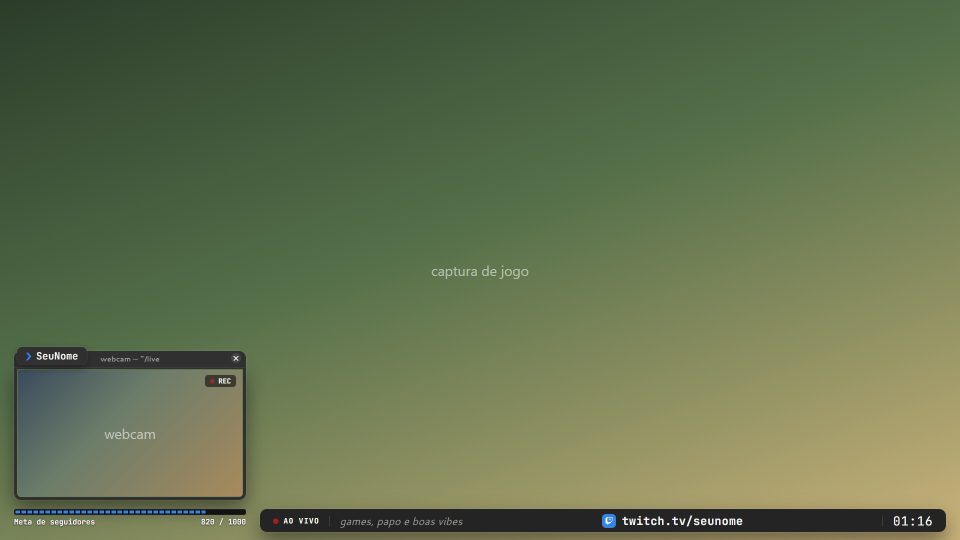
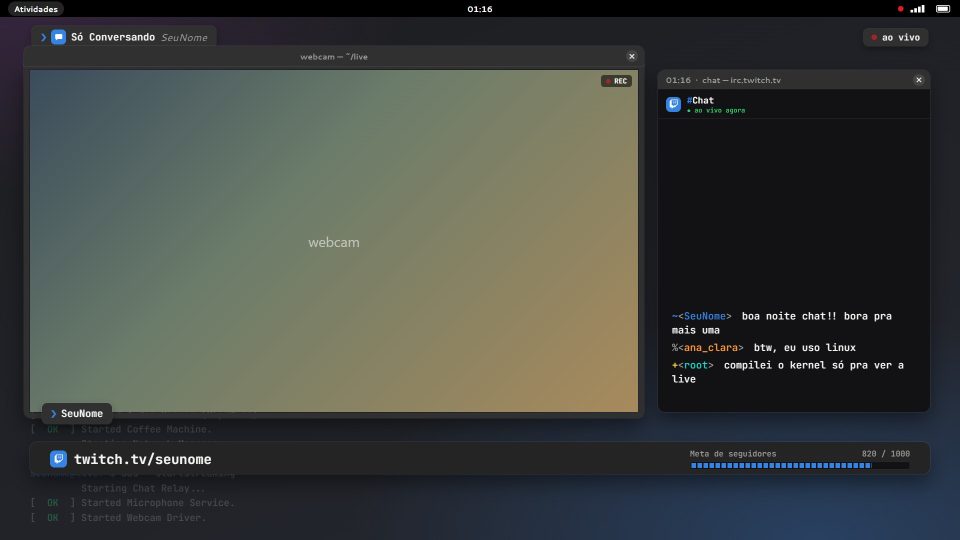
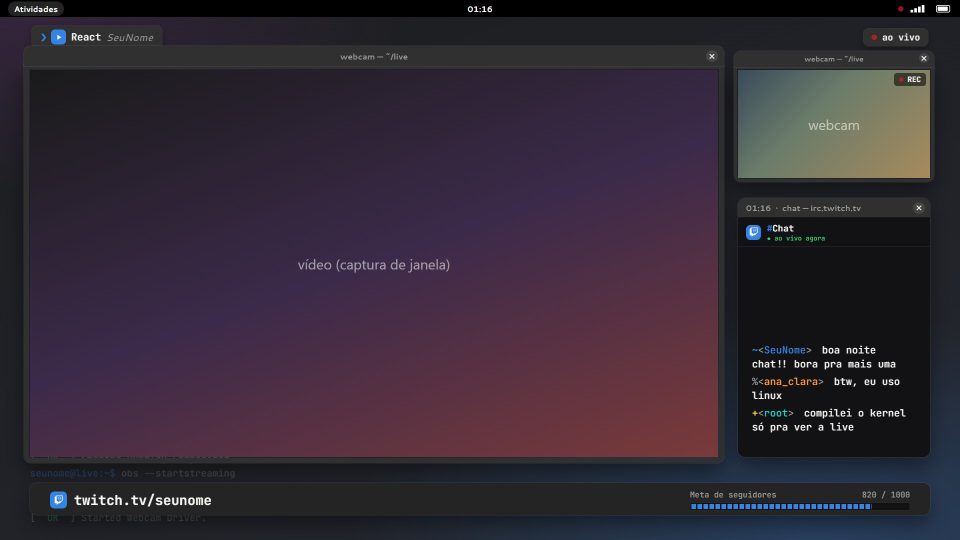
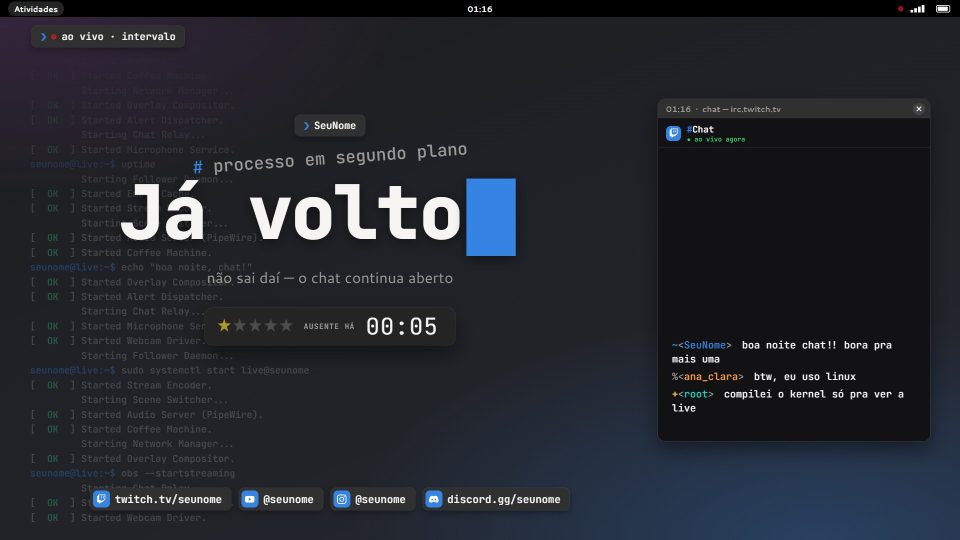
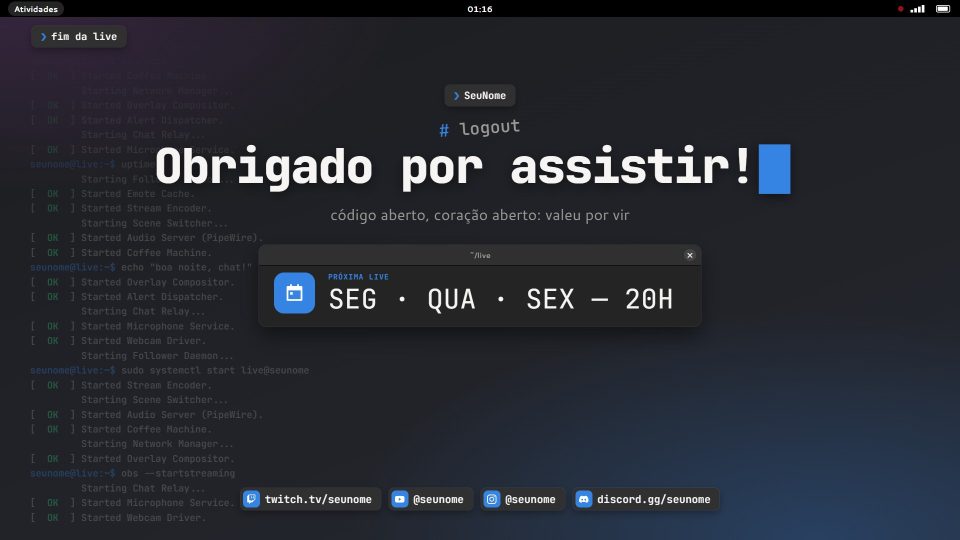
Terminal
Open Linux design: GNOME-style windows, chat in a terminal and the boot log scrolling in the background.
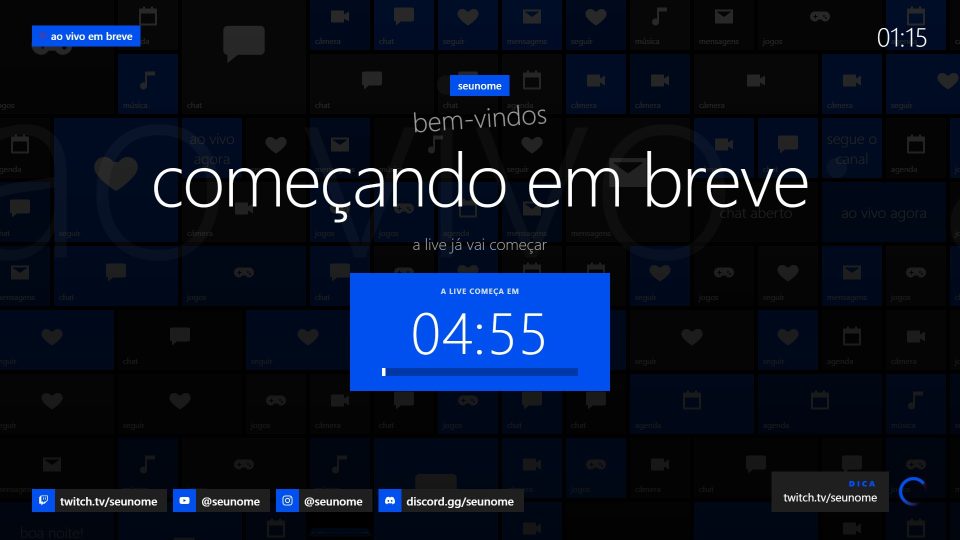
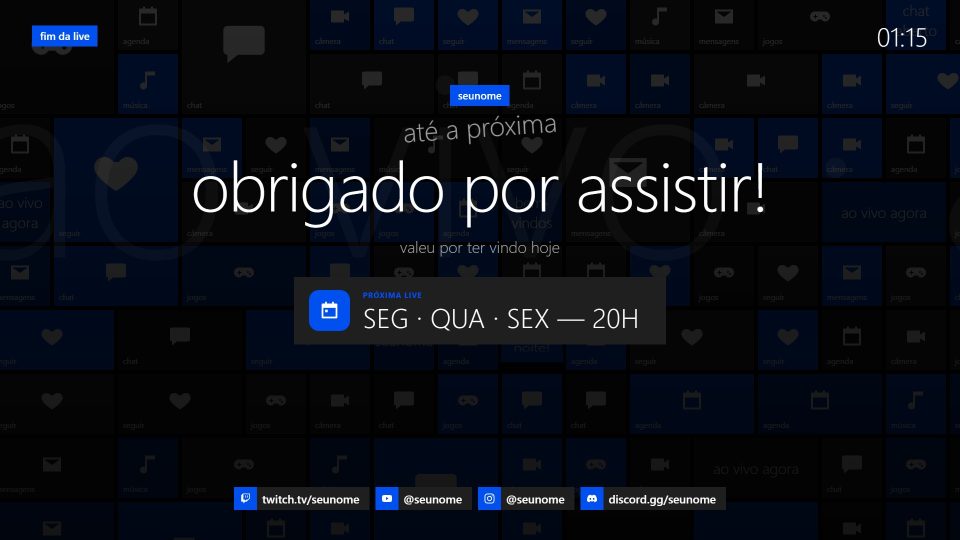
Metro
Windows Phone flat design: black background, one accent color and a wall of live tiles that flip on their own.