How to add overlays in OBS Studio
Installing takes just two clicks.
Adding an overlay in OBS shouldn't take all afternoon: no building scene by scene, no dragging PNGs, no copying file paths. You extract the ZIP, double-click the installer and pick the template in the OBS menu. The images below are from real OBS, with the Vapo template.
2
clicks to install
2min
from ZIP to live
0
scenes to build
- Windows 10 or 11
- OBS Studio 30+, opened at least once
- The template ZIP, downloaded
Extract the ZIP to a permanent folder
Right-click the downloaded file, choose Extract All… and then Extract.
Keep the folder somewhere it won't move, like Documents\OBS Themes\Vapo. OBS reads the overlays straight from it.
- assets File folder
- obs File folder
- overlays File folder
- panels File folder
- previews File folder
- tools File folder
- INSTALAR.bat Windows Batch File
- preview.html HTML Document
- README.md MD File
Close OBS and double-click INSTALAR.bat
Those are the two clicks. The installer (in Portuguese) asks for your name and your username on each network: type it or paste your profile link, or just press Enter to skip.
When you see Pronto! ("Done!"), the whole scene collection is already inside OBS, with every path set. You can close the window.
If Windows shows a blue warning, click More info → Run anyway.
  Instalando o tema 'Vapo' no OBS Studio
  -----------------------------------------

  Quer preencher seu nome e suas redes sociais agora? (S/n): S

  Digite só o nome de usuário (sem @). Deixe em branco e aperte Enter para pular.

  Seu nome na live: Rafa
  Twitch: rafabytes
  YouTube: rafabytes
  Instagram: rafabytes
  TikTok:
  X (Twitter):
  Kick:
  Discord (código do convite):

  Salvo em overlays\config.js (dá para mudar depois pelo Bloco de Notas).

  Pronto!

  Agora:
    1. Abra o OBS Studio
    2. No menu de cima, clique em  Coleção de cenas  >  Vapo

Pressione qualquer tecla para continuar. . .
Open OBS and pick the template in the menu
In the top menu, click Scene Collection and then the template's name, here Vapo.
Your other collections are still there. To switch back, use the same menu.
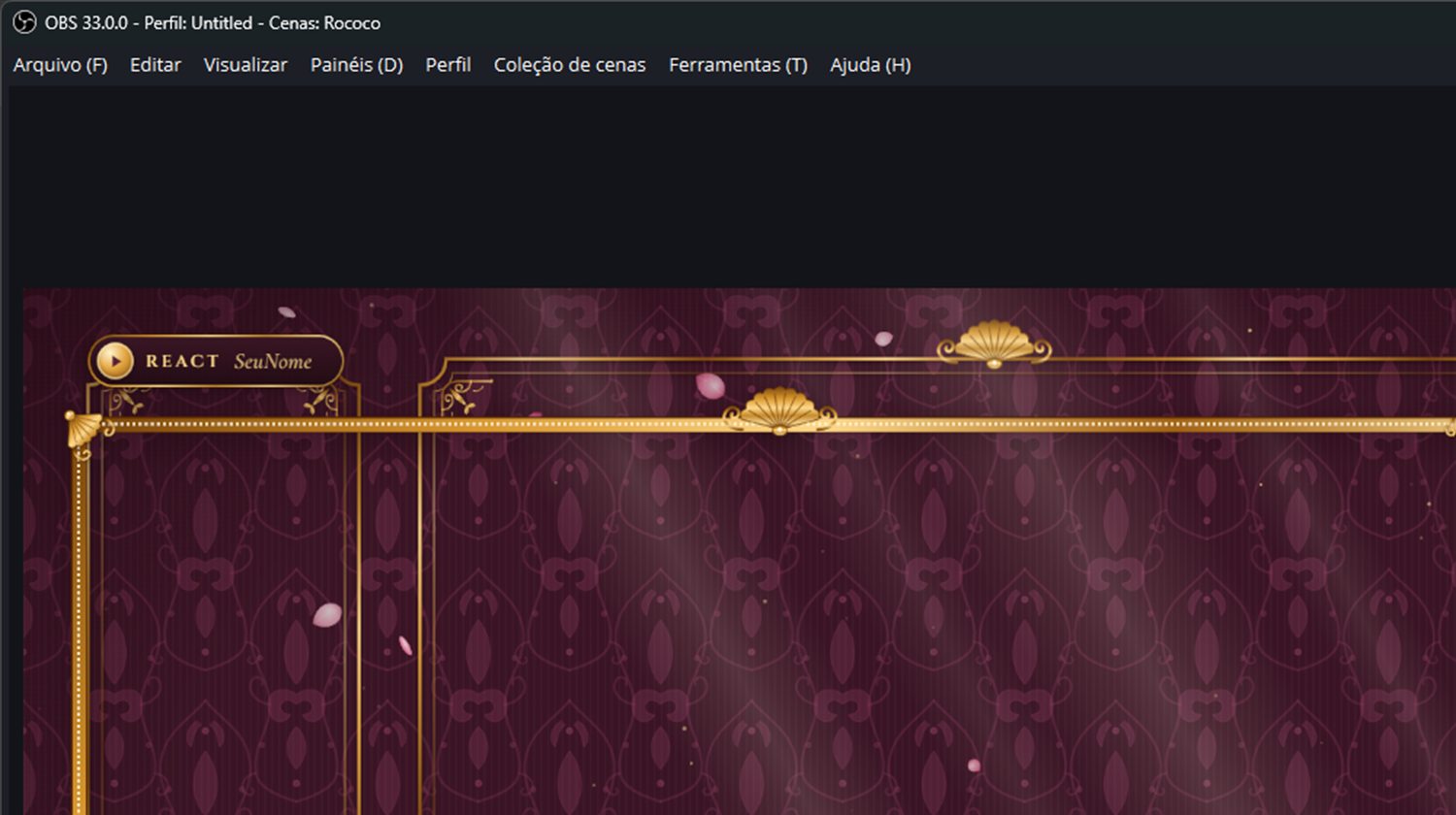
OBS Studio 33 · the open menu was redrawn over the screenshot
Done. You're ready to go live.
OBS opens with all six scenes set up, your name and socials on screen, the countdown running and the chat hooked to your channel.
One last thing
In the Jogo (Game) scene, double-click the Câmera source, pick your webcam and click OK.
The other scenes use the same camera, so you only do it once.
Afterwards
Want to change some text?
-
01
Open overlays\config.js
In the template folder, right-click config.js → Open with → Notepad.
-
02
Change what's between quotes
Your name, socials, schedule, follower goal, the text on each screen and the countdown minutes.
-
03
Save and reopen OBS
Ctrl+S, close and open OBS. Want to check it first? Double-click preview.html.
If something gets stuck
Common problems
Windows showed "Windows protected your PC"
It's the standard warning for files downloaded from the internet. Click More info and then Run anyway. The installer only copies the scene collection into the OBS folder.
It said "Extraia o arquivo ZIP para uma pasta antes de instalar" (extract the ZIP before installing)
You opened INSTALAR.bat from inside the ZIP. Right-click the ZIP, choose Extract All… and run INSTALAR.bat from the extracted folder.
The installer says OBS is open
Close OBS (including from the system tray, next to the clock) and press Enter in the installer window. OBS has to be closed because it rewrites the active collection when it exits.
The template doesn't show up in the Scene Collection menu
Open OBS at least once before installing, so it creates its settings folder. If your OBS is portable, the installer writes the file to obs\Vapo.json: in OBS, use Scene Collection → Import and pick that file.
I moved the template folder and the scenes went black
OBS reads the overlays straight from the folder you extracted. After moving the folder, double-click INSTALAR.bat again so it points the paths to the new location.
Now just pick the mood for your stream.
Browse templates