Terminal
Open Linux design: GNOME-style windows, chat in a terminal and the boot log scrolling in the background.
- 6 scenes
- 1920×1080
- OBS 30+
- Twitch
- YouTube
- Kick
- v1.0
About the template
What'sinside.
Your stream inside a Linux desktop: GNOME-style windows with header bars, the top bar with the clock, monospace titles with a blinking cursor and, in the background, the system boot log scrolling slowly.
Terminal is a complete scene collection for OBS Studio. Every screen shares the same animated background, so switching between Starting, Game, Just Chatting, React, Be Right Back and Ending happens without a single cut. It’s a neutral look that fits any kind of stream.
The chat lives in a terminal, with IRC-style nicknames (<nickname> message). Alerts open a terminal window at the top of the screen that gets “typed out”: the command, the name in big letters, the [ OK ] line with the details and stars lighting up (1 for a follow, up to 5 for a raid), with a short synth jingle.
The installer asks for your name and your username on each network and fills everything in. Afterwards, you can switch the look (Adwaita, green phosphor terminal or aubergine and orange) in config.js.
Theme inspired by the look of Linux desktops, with no connection to any project and no official logos.
6 scenes
Starting
Before the stream: a terminal window with a countdown and rotating phrases in the corner.
Game
Full-screen game, webcam in a window in the corner with the goal right below, and a bar with your socials.
Just Chatting
Chatting: a big webcam and the chat in a terminal beside it.
React
Big video, webcam and the chat in a terminal beside it, with your socials and the goal below.
Be Right Back
Breaks: an “away for” timer that earns a star every 2 minutes, plus the chat.
Ending
End of stream: a thank-you and the schedule for the next one.
Features
- Animated background: wallpaper, top bar with clock and a scrolling boot log
- Three looks: Adwaita (gray and blue), green phosphor terminal or aubergine and orange
- Installer that asks for your name and socials and fills everything in
- Countdown that restarts whenever the scene goes live, with rotating phrases
- “Away for” timer that earns a star every 2 minutes
- Twitch chat in a terminal (no login), with IRC-style nicknames, filtering out bots and commands
- Alerts typed out in a terminal, with stars, flying blocks and a synth jingle
- Works with StreamElements or another service's alerts URL
- 8 Twitch panels and a matching offline banner
- Low-power mode: lower FPS, still background or effects off
Requirements
- Windows 10 or 11
- OBS Studio 30 or newer
- Webcam (optional)
- Twitch account for live chat (optional)
-
Step 01
Extract the ZIP to a permanent folder, like Documents\OBS Themes\Linux.
-
Step 02
Close OBS and double-click INSTALAR.bat.
-
Step 03
Enter your name and your usernames on each network (Enter skips the ones you don't use).
-
Step 04
Open OBS and choose Scene Collection → Linux.
-
Step 05
In the Jogo (Game) scene, pick your webcam in the Câmera source.
See also
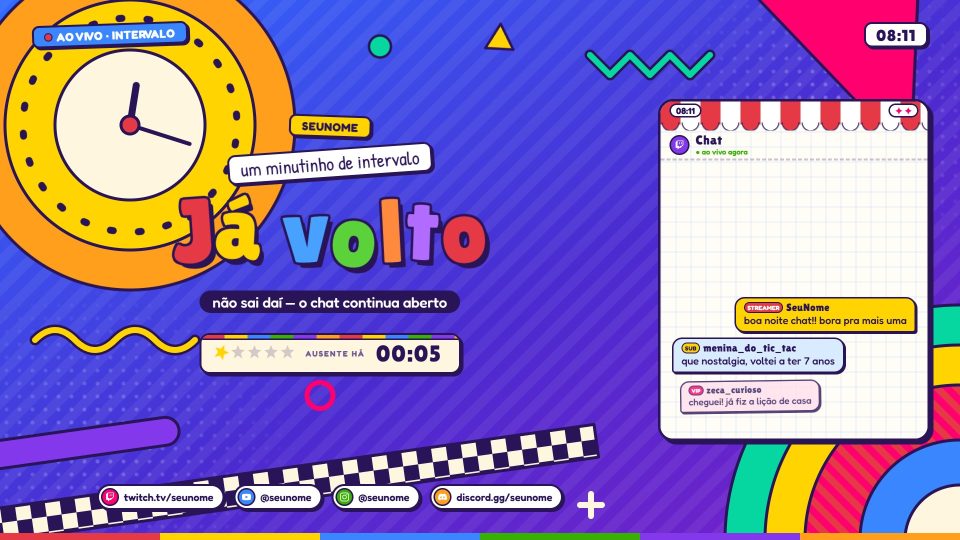

Ratimbum
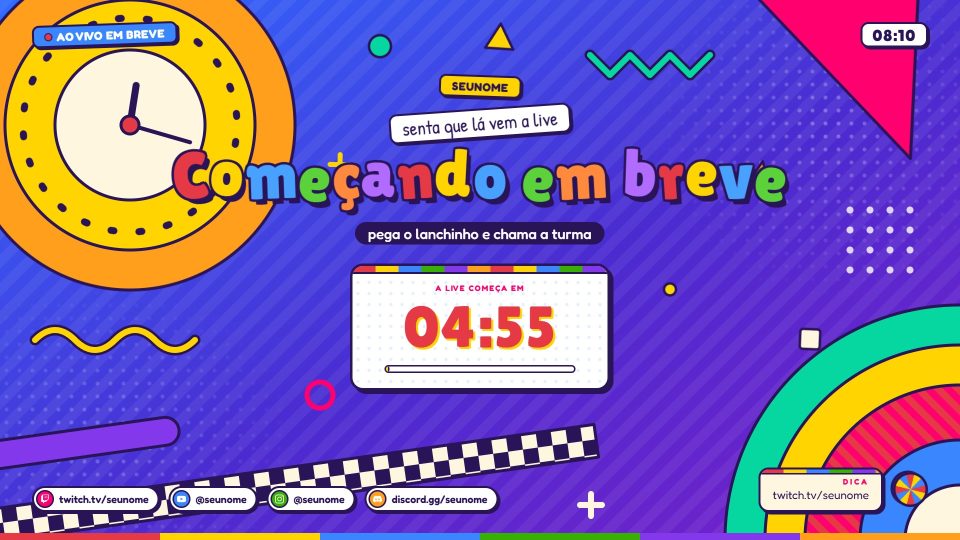
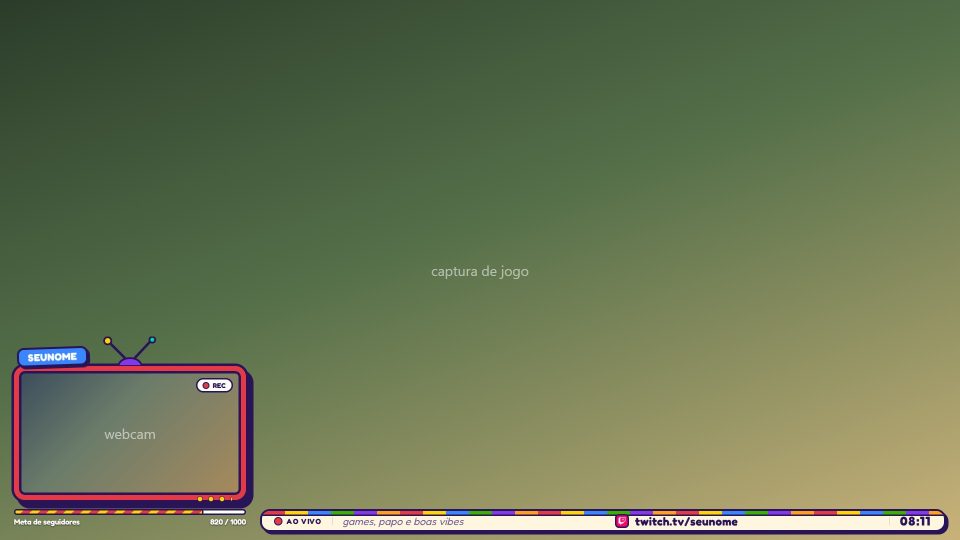
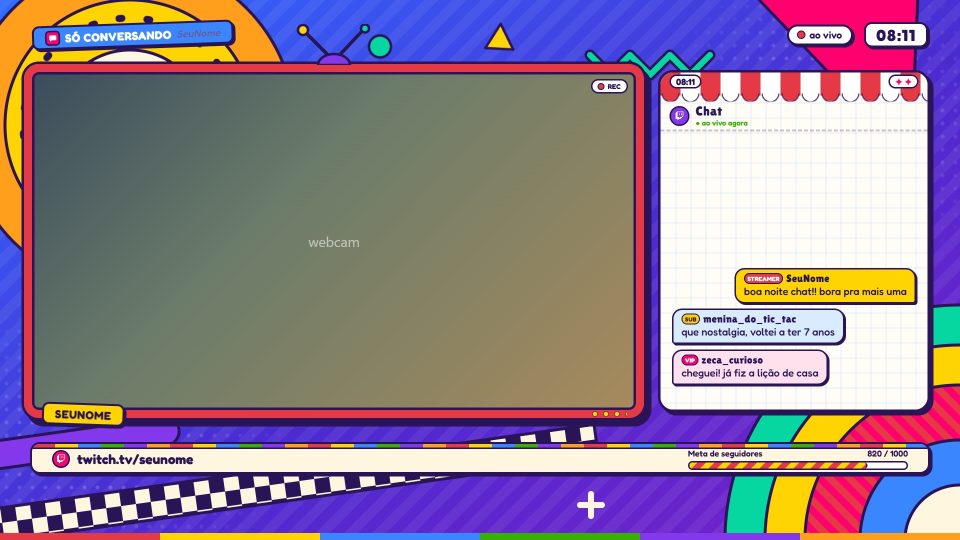
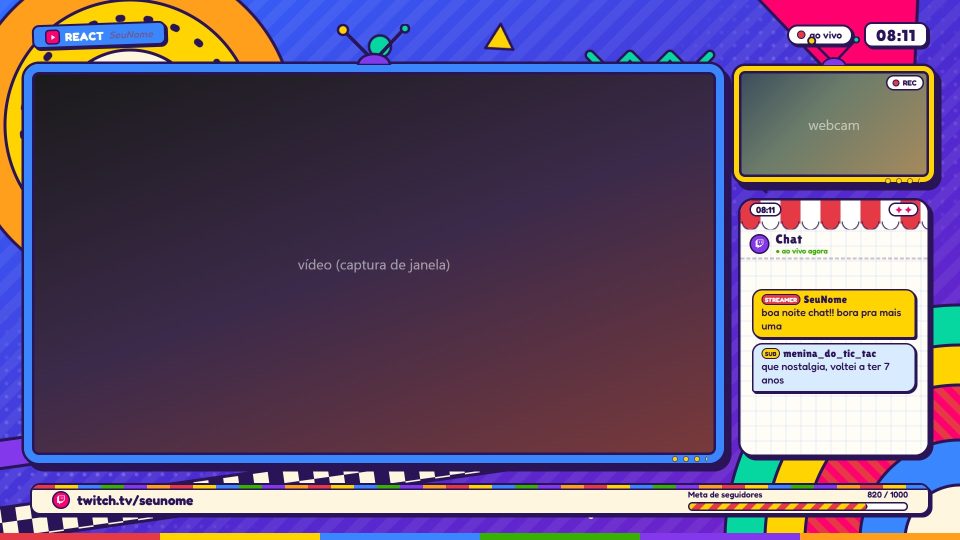
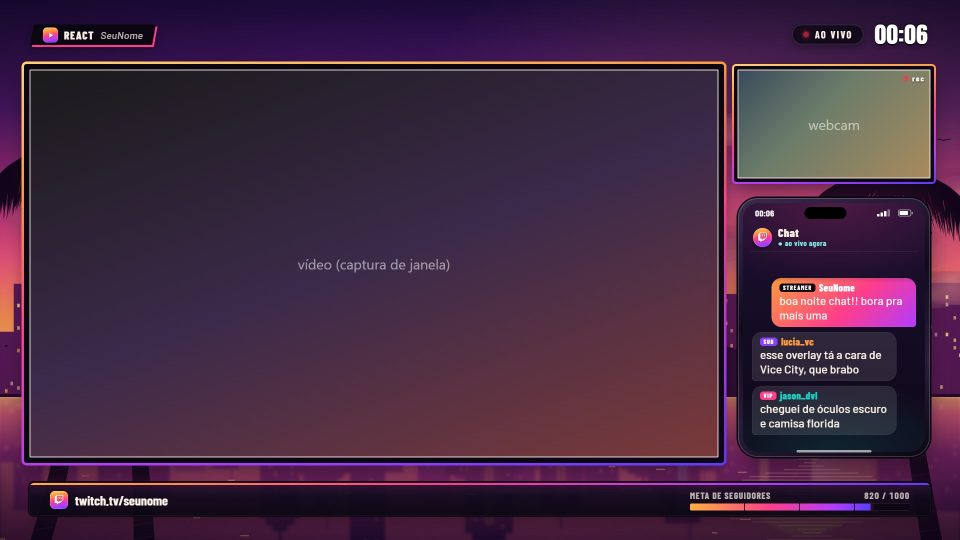
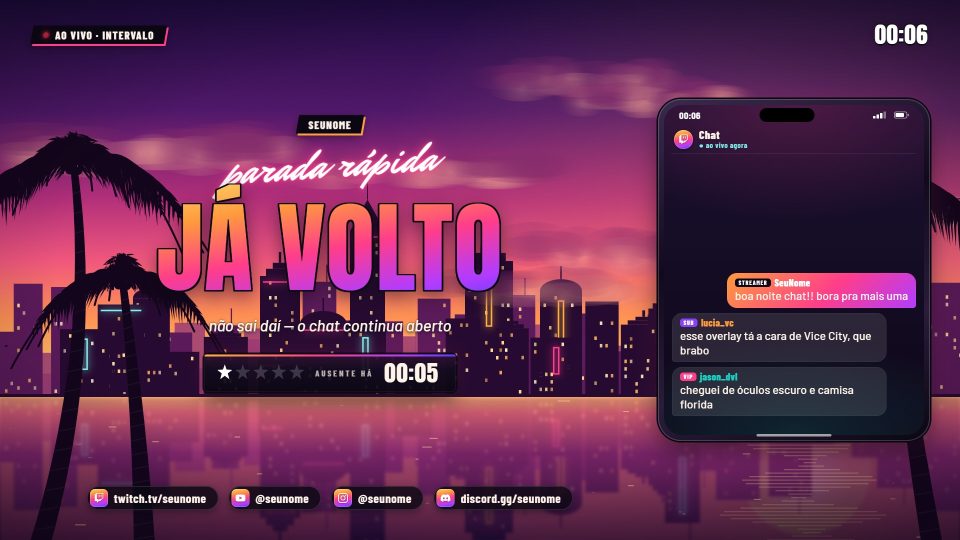
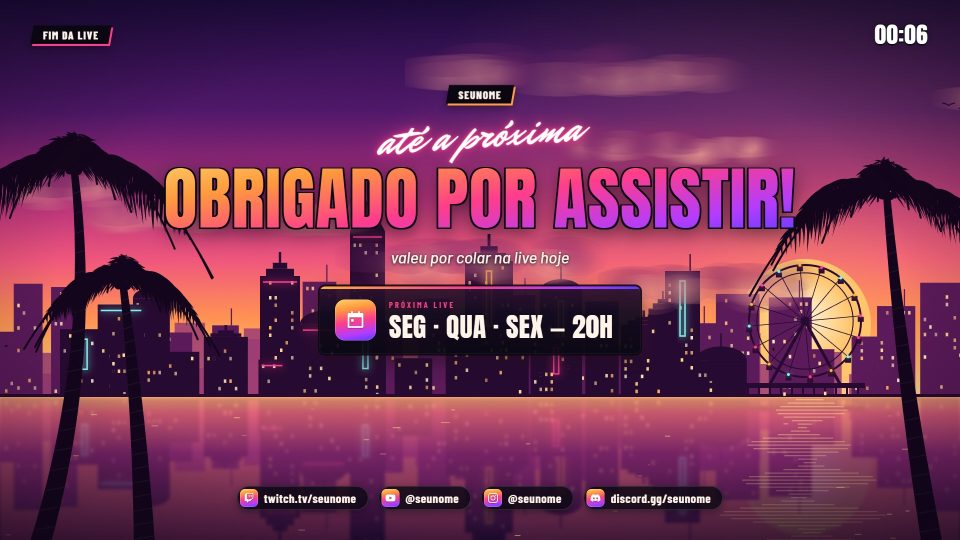
90s educational TV: cut-out paper, colorful letters, a geometric bumper and your webcam inside a CRT TV.
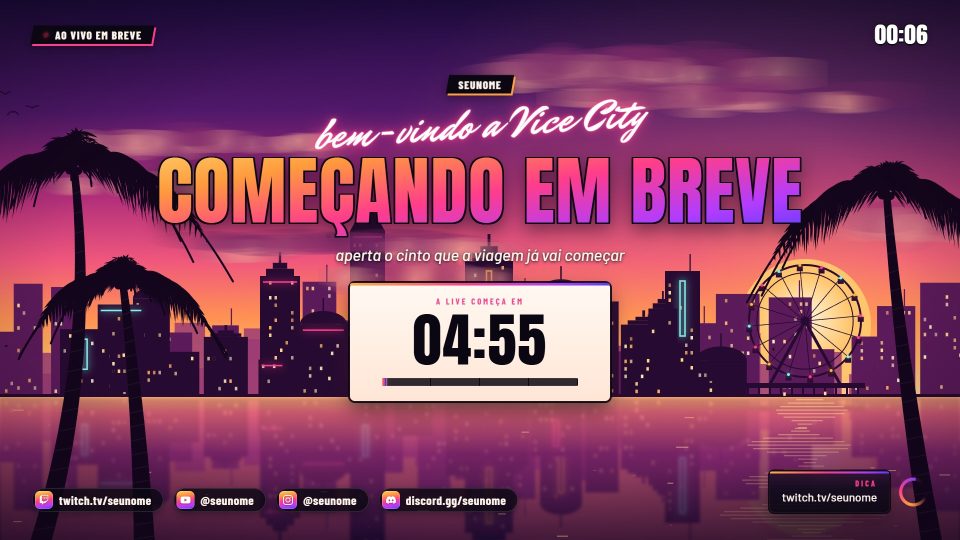
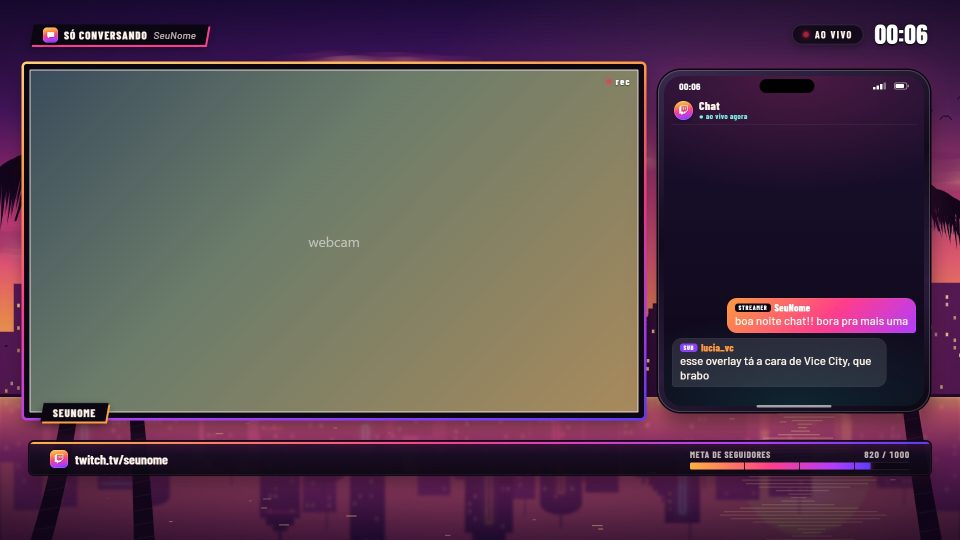
Vice
Sunset in Vice City: an art deco waterfront with neon, a Ferris wheel on the pier and swaying palm trees.
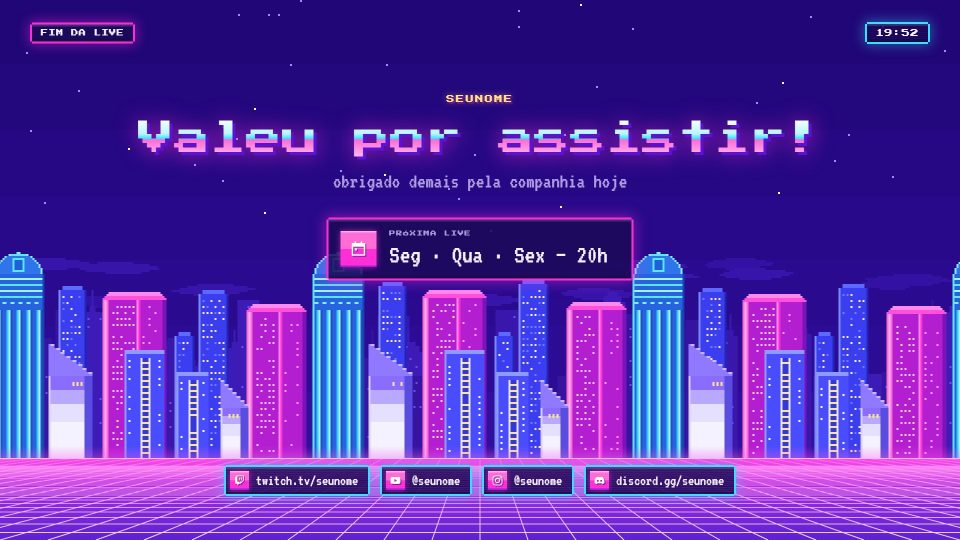
Vaporwave
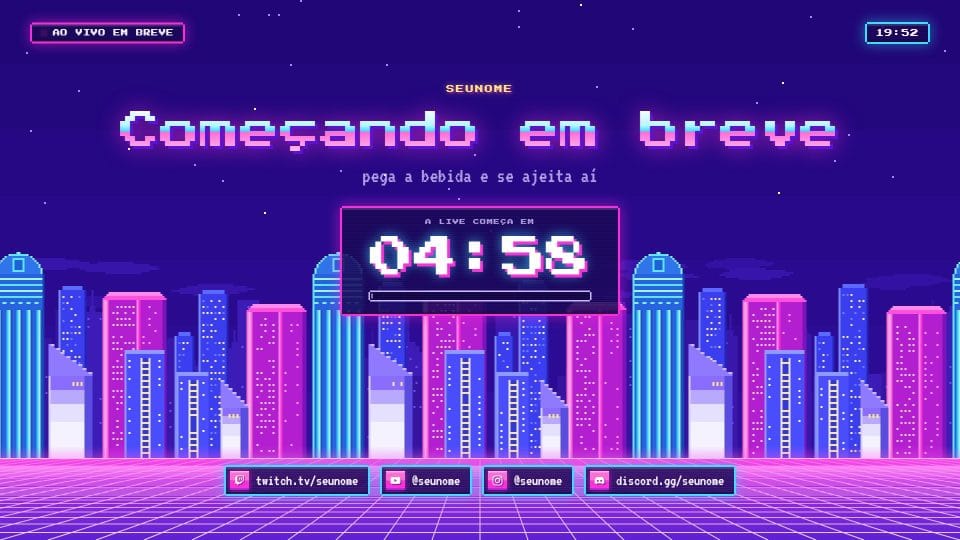
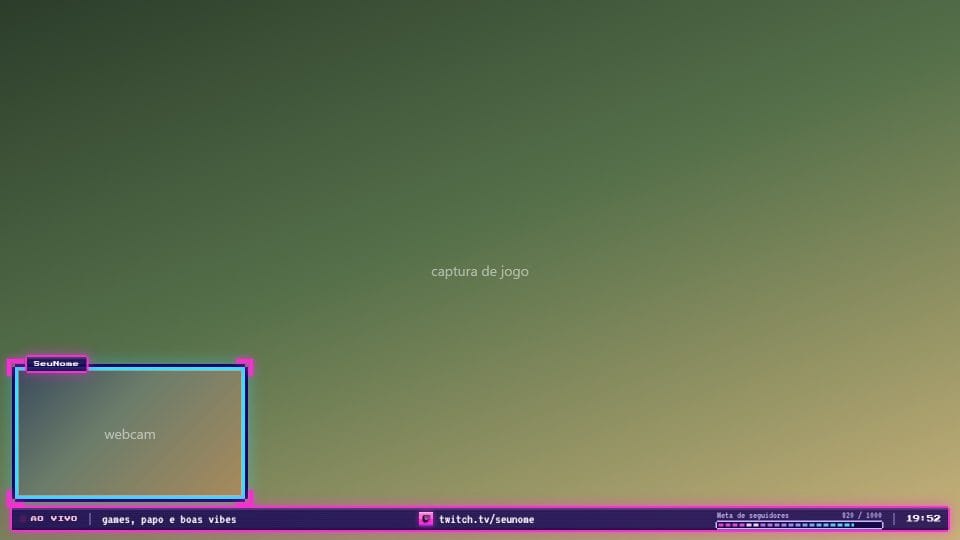
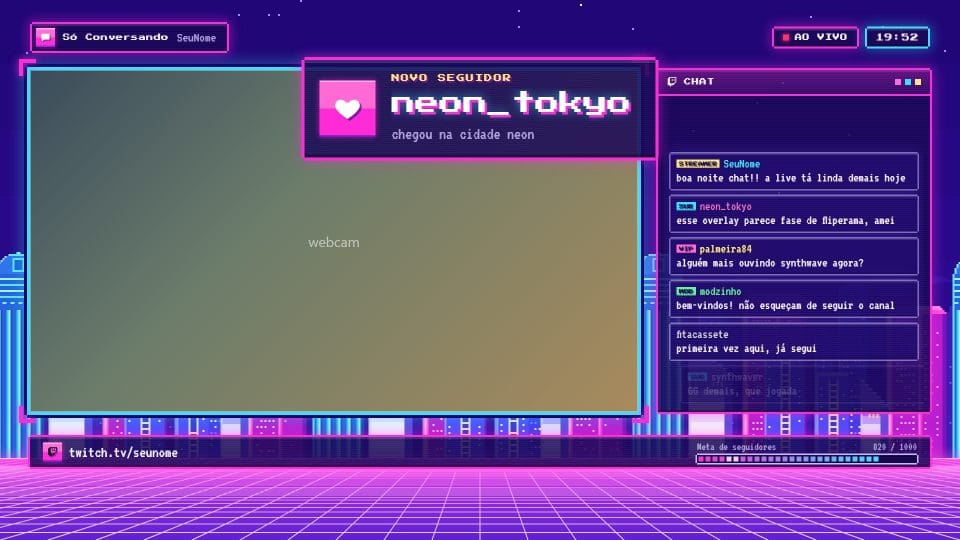
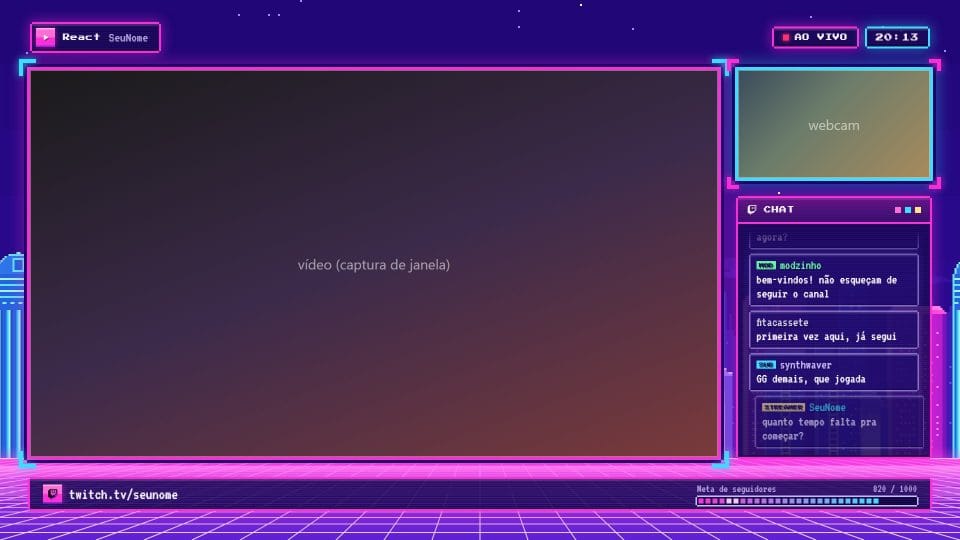
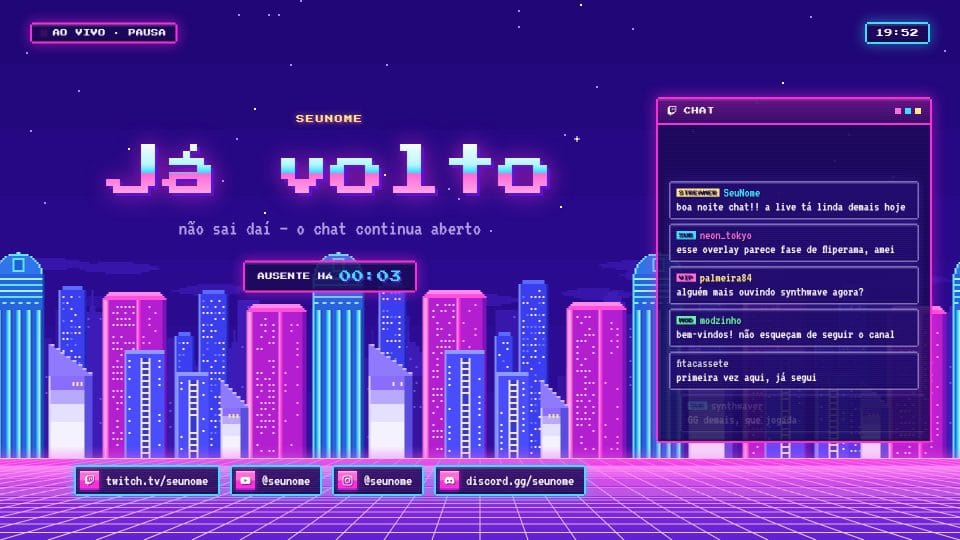
Pixel art synthwave: a neon city gliding in layers and a grid floor rushing toward you.