Vice
Sunset in Vice City: an art deco waterfront with neon, a Ferris wheel on the pier and swaying palm trees.
- 6 scenes
- 1920×1080
- OBS 30+
- Twitch
- YouTube
- Kick
- v1.0
About the template
What'sinside.
Welcome to Vice City: a gold-pink-purple sunset, an art deco waterfront with lit windows and neon signs, a Ferris wheel turning on the pier, the sea reflecting the sky and palm trees swaying on the sides.
Vice is a complete scene collection for OBS Studio, inspired by the look revealed so far for GTA VI. Every screen shares the same animated scenery, so switching between Starting, Game, Just Chatting, React, Be Right Back and Ending happens without a single cut.
In the Game scene, the webcam takes the minimap’s spot and the goal becomes the health bar. Alerts arrive “mission passed” style: the name shows up big in the gradient, wanted stars light up (1 for a follow, up to 5 for a raid), neon confetti bursts out and a synth jingle plays.
The installer asks for your name and your username on each network and fills everything in. Afterwards, you can change the sky (dusk, neon night or beach day) in config.js.
Fan-made theme, with no connection to Rockstar Games or Take-Two. It uses no official logos, fonts or artwork: the city, palm trees and ornaments are drawn in code.
6 scenes
Starting
Before the stream: a loading screen with a countdown and rotating tips in the corner.
Game
Full-screen game, webcam in the minimap's spot with the goal as a health bar, and your socials.
Just Chatting
Chatting: a big webcam and the chat on a phone beside it.
React
Big video, webcam and a phone with the chat beside it, with your socials and the goal below.
Be Right Back
Breaks: an “away for” timer that earns a wanted star every 2 minutes, plus the chat.
Ending
End of stream: a thank-you and the schedule for the next one.
Features
- Animated scenery: neon waterfront, Ferris wheel, reflective sea, palm trees, birds and a plane
- Three skies: dusk, neon night or beach day
- Installer that asks for your name and socials and fills everything in
- Webcam in the minimap's spot and the goal as a health bar in the Game scene
- Countdown that restarts whenever the scene goes live, with rotating tips
- “Away for” timer that earns a wanted star every 2 minutes
- Twitch chat on a phone on screen (no login), filtering out bots and commands
- “Mission passed” alerts with wanted stars, neon confetti and a synth jingle
- Works with StreamElements or another service's alerts URL
- 8 Twitch panels and a matching offline banner
- Low-power mode: lower FPS, still background or effects off
Requirements
- Windows 10 or 11
- OBS Studio 30 or newer
- Webcam (optional)
- Twitch account for live chat (optional)
-
Step 01
Extract the ZIP to a permanent folder, like Documents\OBS Themes\Leonida.
-
Step 02
Close OBS and double-click INSTALAR.bat.
-
Step 03
Enter your name and your usernames on each network (Enter skips the ones you don't use).
-
Step 04
Open OBS and choose Scene Collection → Leonida.
-
Step 05
In the Jogo (Game) scene, pick your webcam in the Câmera source.
See also
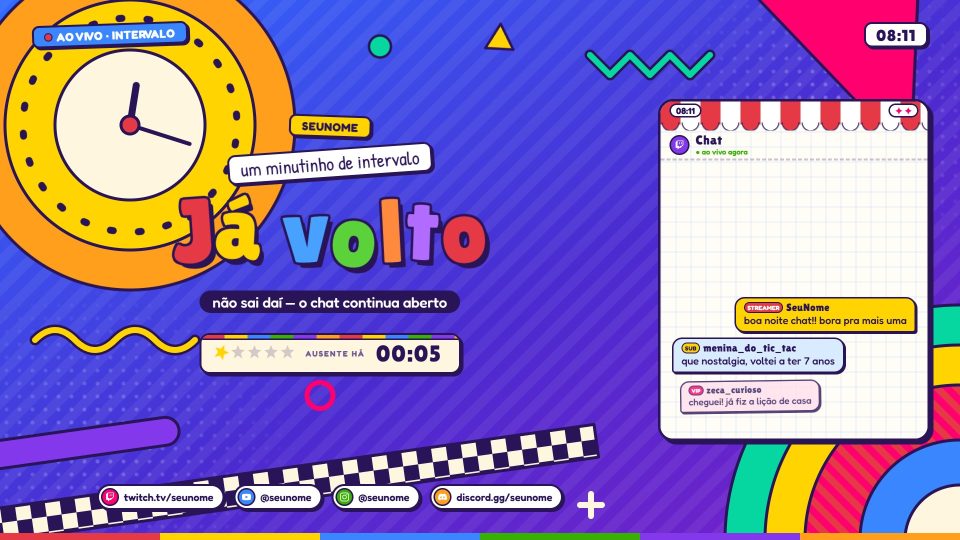
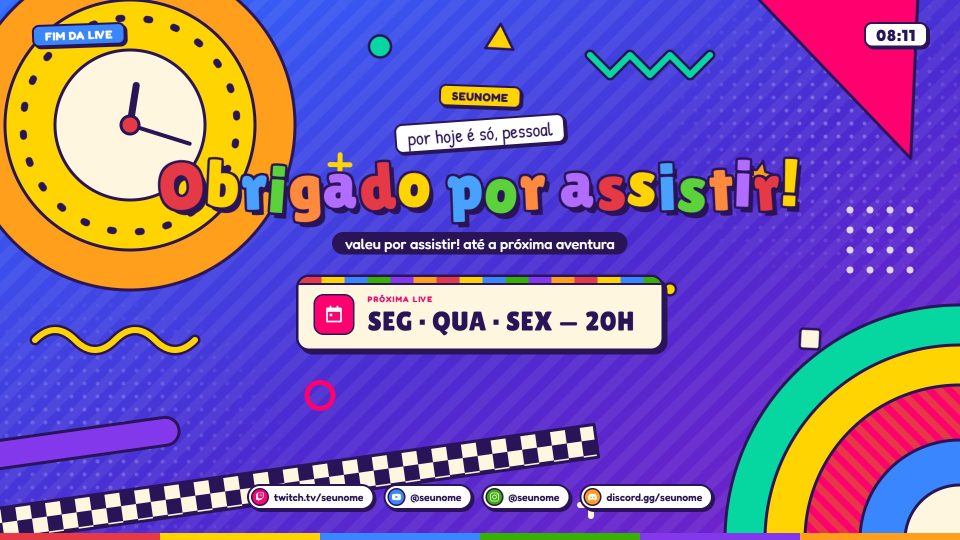
Ratimbum
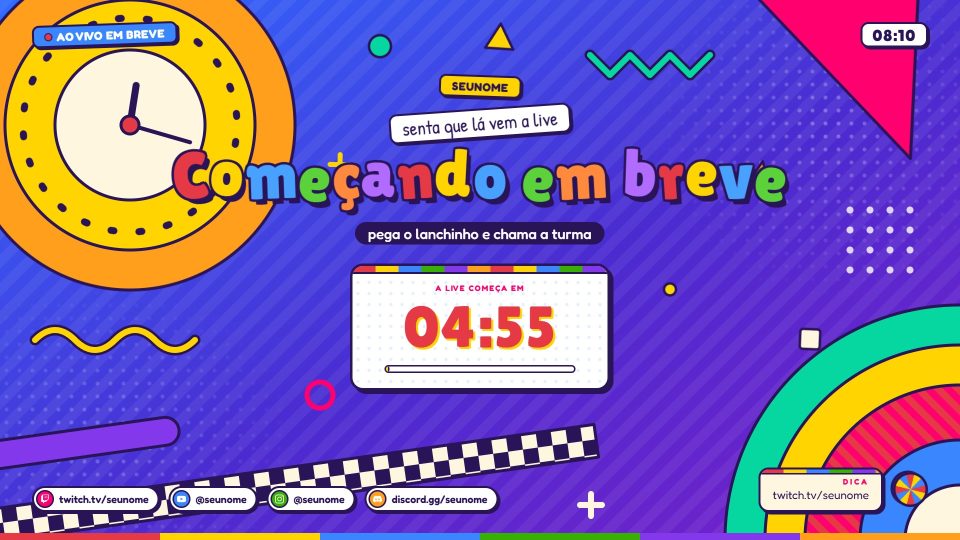
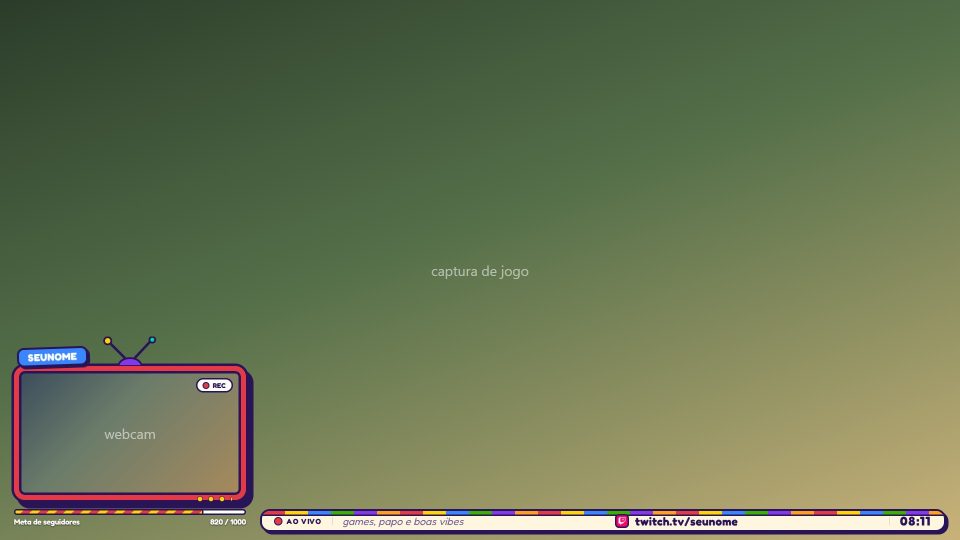
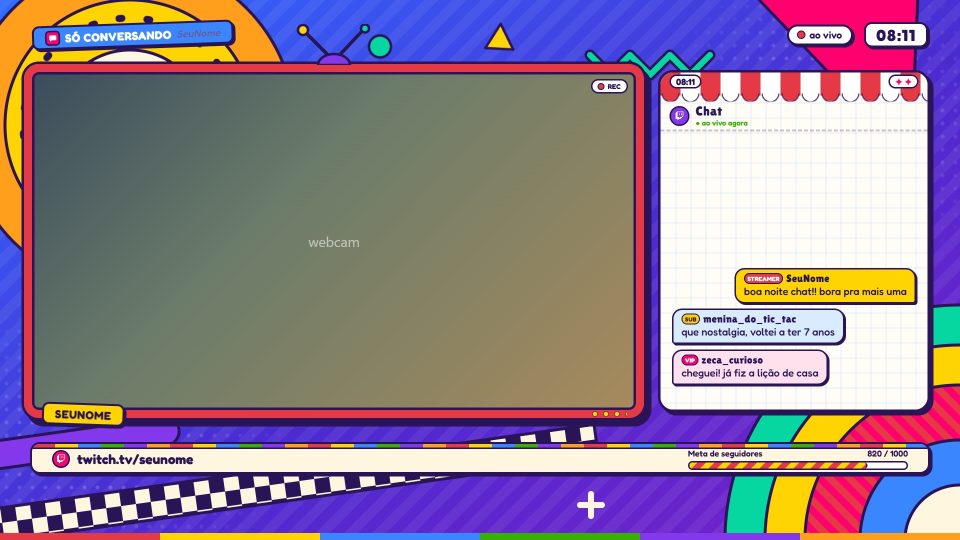
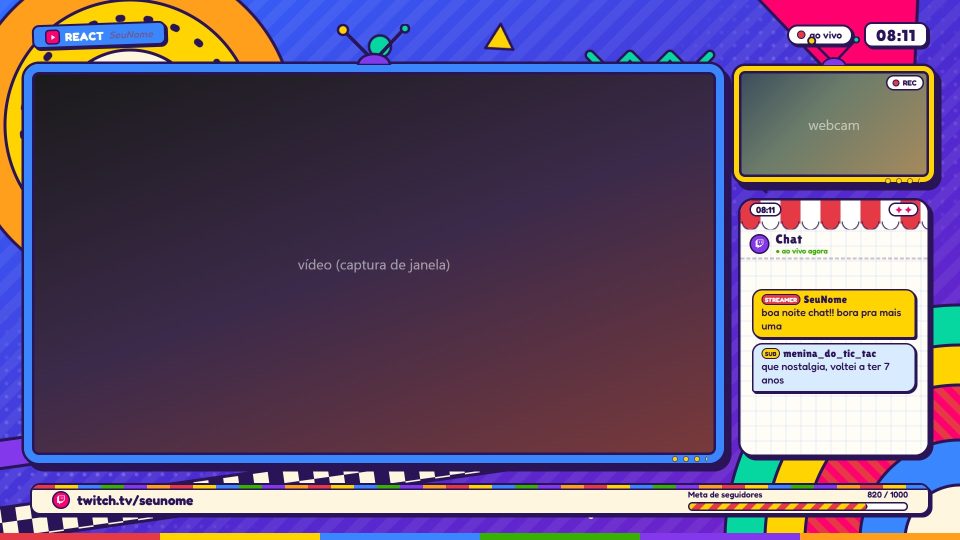
90s educational TV: cut-out paper, colorful letters, a geometric bumper and your webcam inside a CRT TV.
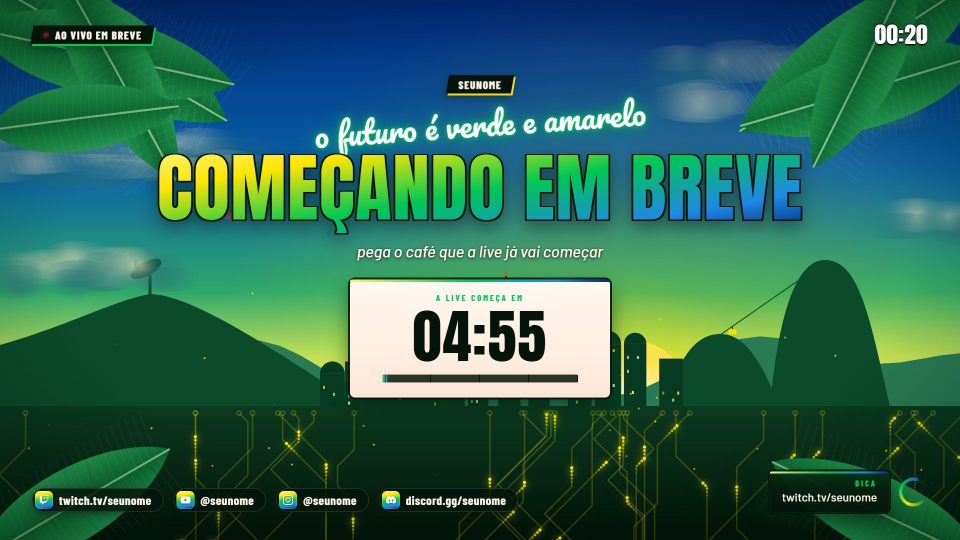
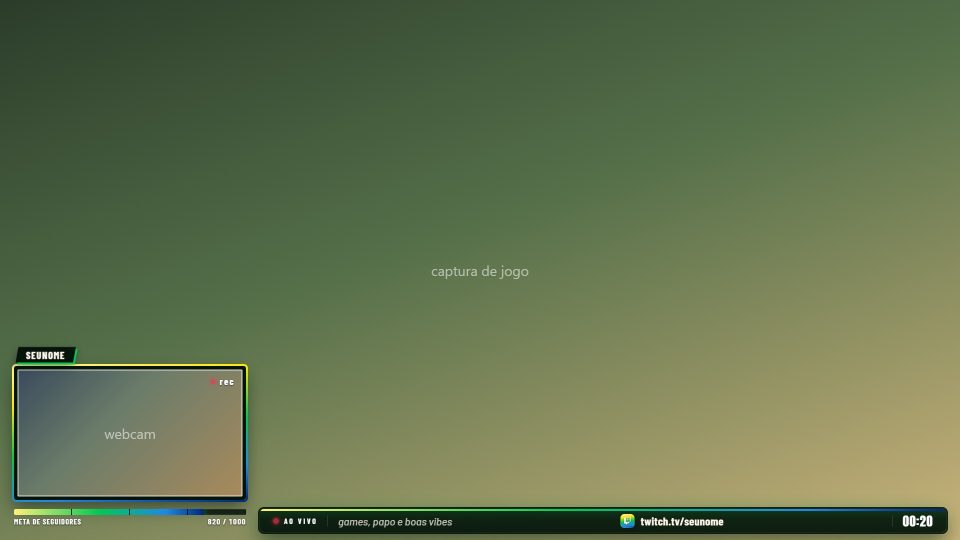
Banana
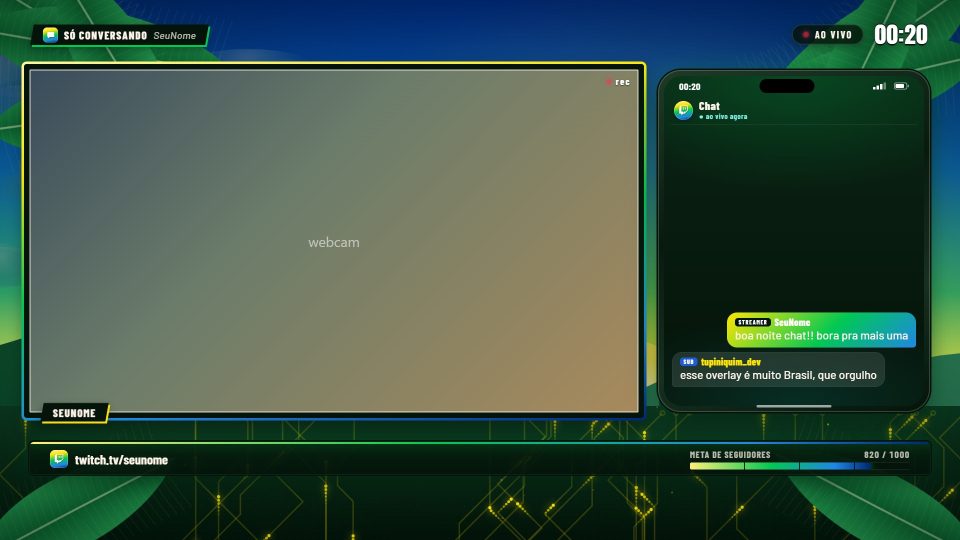
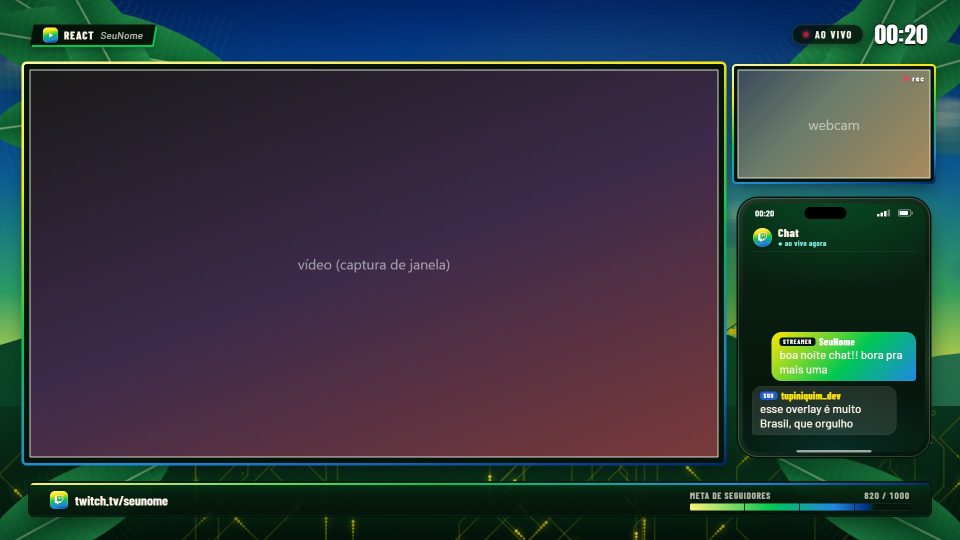
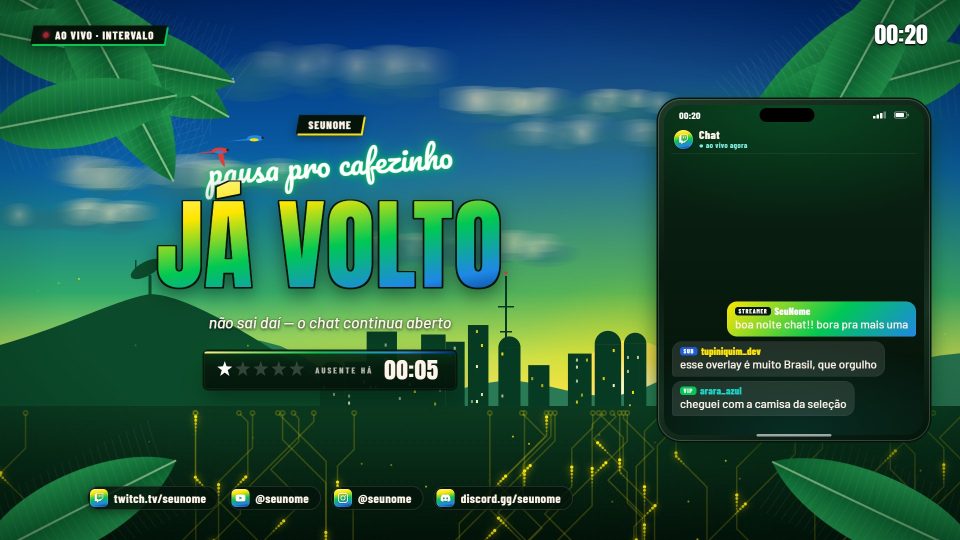
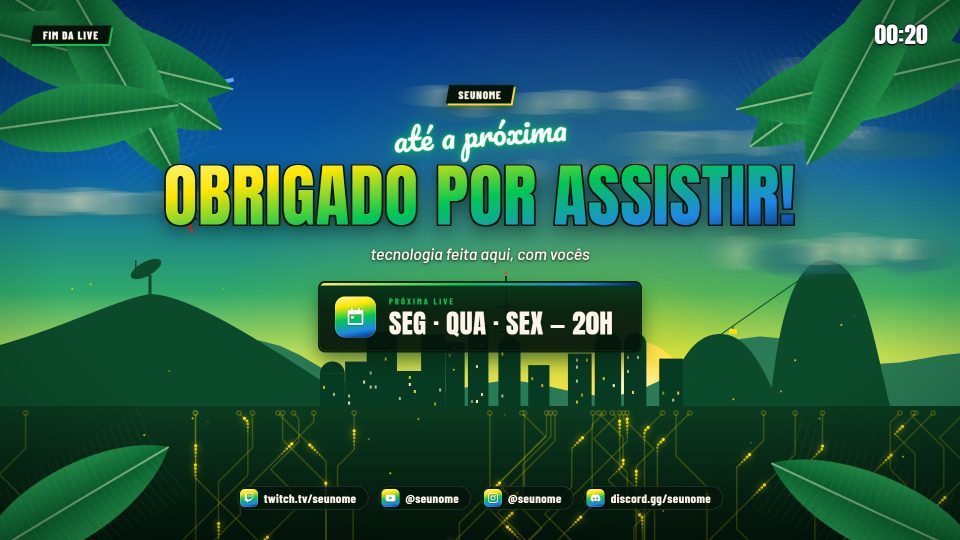
The future is green and yellow: Sugarloaf Mountain with its cable car, a connected city and banana leaves swaying.
Vaporwave
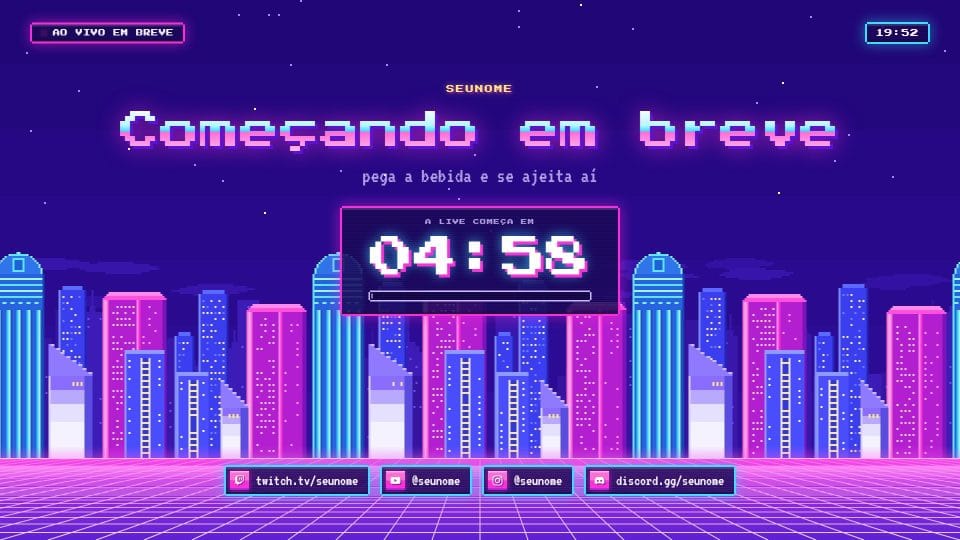
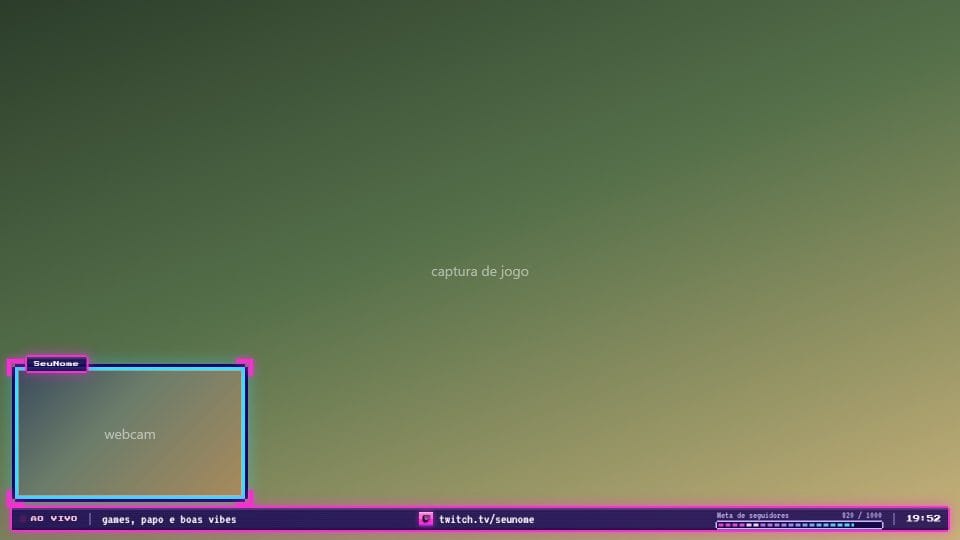
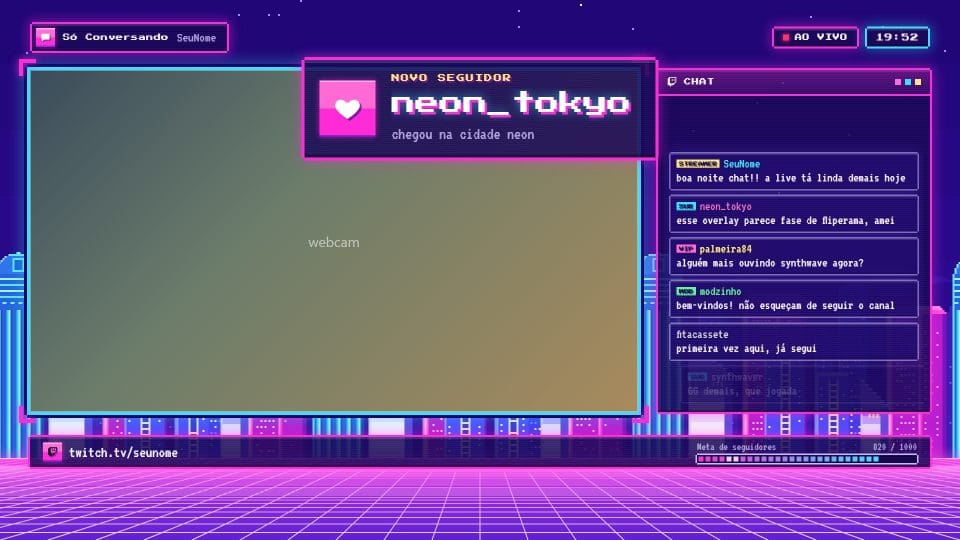
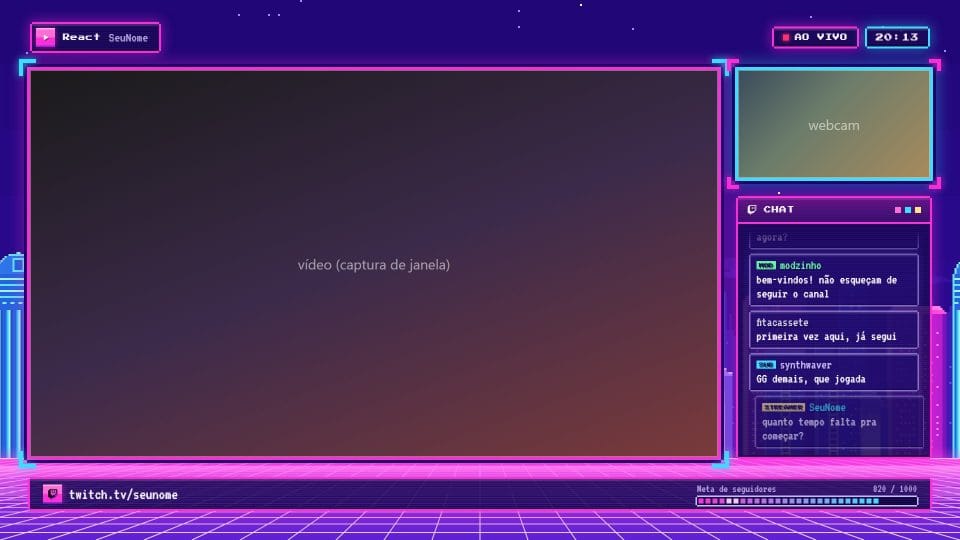
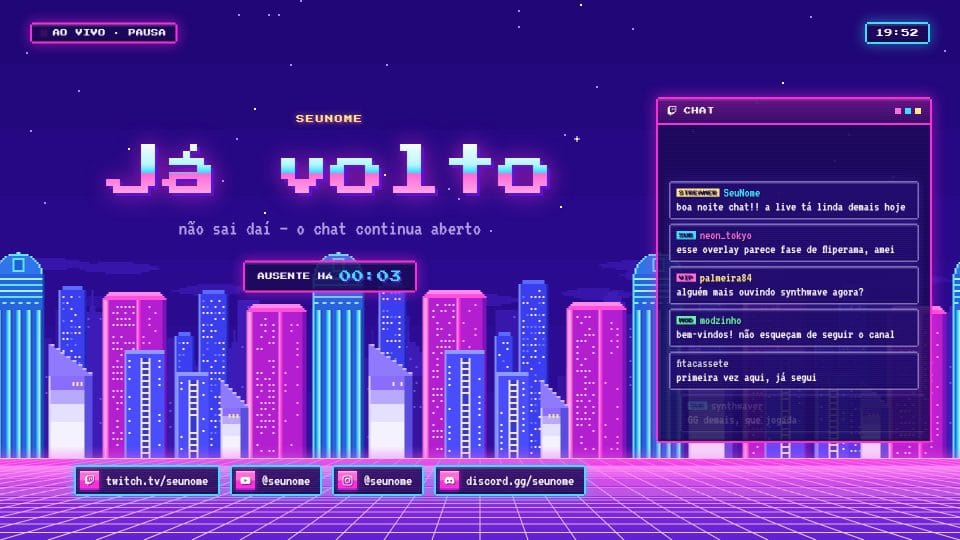
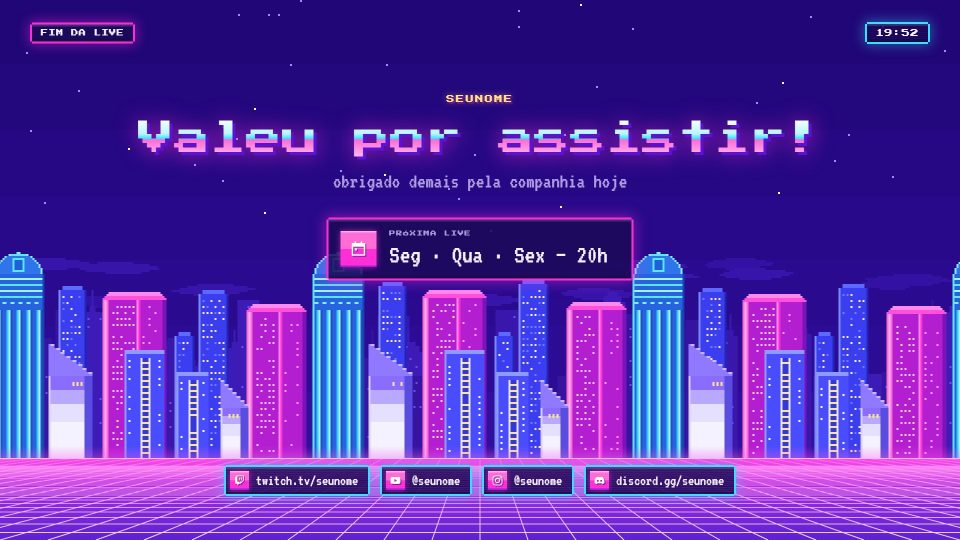
Pixel art synthwave: a neon city gliding in layers and a grid floor rushing toward you.